AI Coloring Book Maker for KDP
Create a 4K coloring page, reuse its theme for more editable prompts, and assemble draft interior and cover PDFs in Book Studio. Check every page and run Amazon KDP preflight before publishing.
Assemble them into a book
Reuse a theme across editable page prompts, add a cover, and export draft files for KDP preflight.
One portrait 4K coloring image per action: 12 credits; two character candidates cost 24 credits. Write one scene per page. Existing images are preserved. Export checks actual source resolution at 300 ppi; fewer than 24 pages is a draft sample.
Generate your coloring pages
Describe a page and generate 4K black-and-white line art with the KDP preset. Inspect the result before adding it to an interior.
Making a whole book? Open Book Studio and write one scene per pageLoading the KDP preset…
KDP preset: locked 4K line-art recipe. Final cost: 12 credits per KDP page
A coloring book made for you · $49
One-time service. No subscription and no generation credits charged.
- 30 distinct black-and-white coloring illustrations: 30 illustrated pages plus 30 blank reverse pages, for a 60-page interior PDF.
- White-paper, black-ink paperback with a no-bleed interior. A separate full-wrap cover PDF matches the final trim and page count, includes bleed, and has no spine text.
- Delivery within 48 hours after payment and receipt of the complete brief. Download PDFs through links restricted to your paying account.
We use AI-assisted illustration and review each page. You handle the KDP upload, AI-content disclosure and final publishing review. Sales and Amazon approval are not guaranteed.
Refunds: cancel before work starts for a full refund. If we miss the delivery deadline, you may request a full refund. If files do not match the agreed brief, request a correction; if we cannot correct them, we refund in full.
Pages you can make
Explore black-and-white line-art examples, then create and review each page for your own book. Reusing a theme helps continuity, but every generated page still needs inspection.
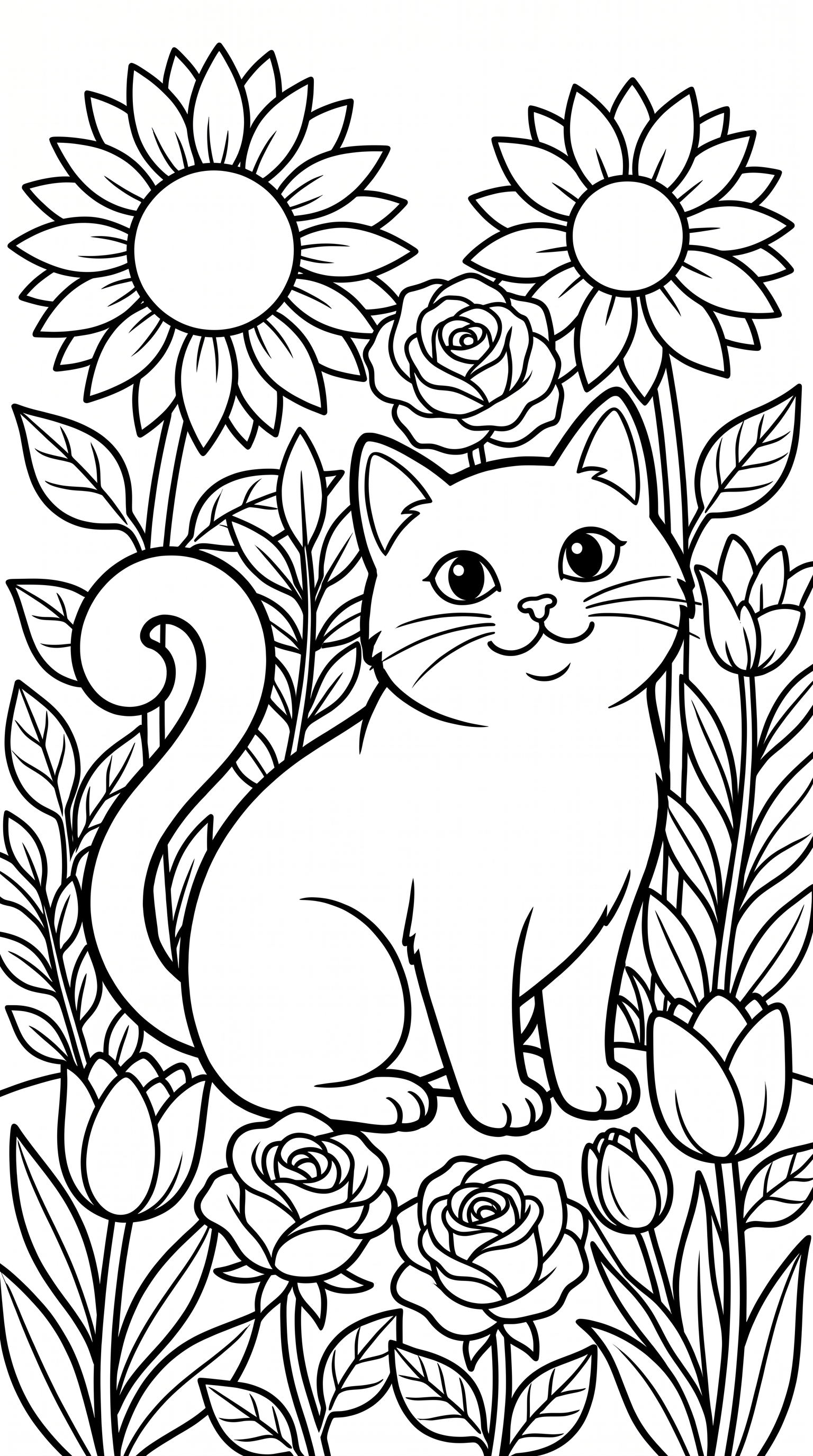
Cat in a flower garden
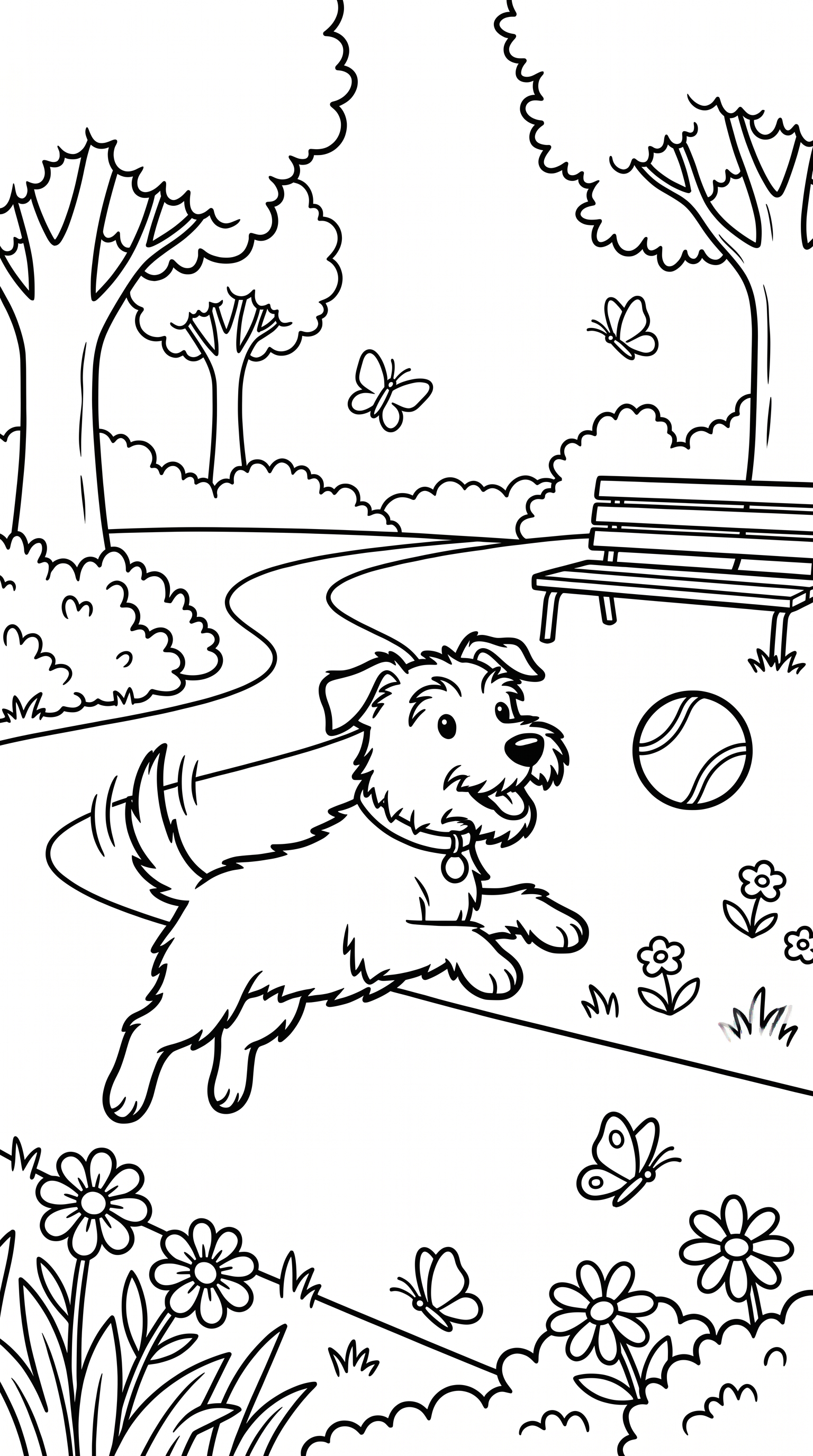
Dog playing in the park
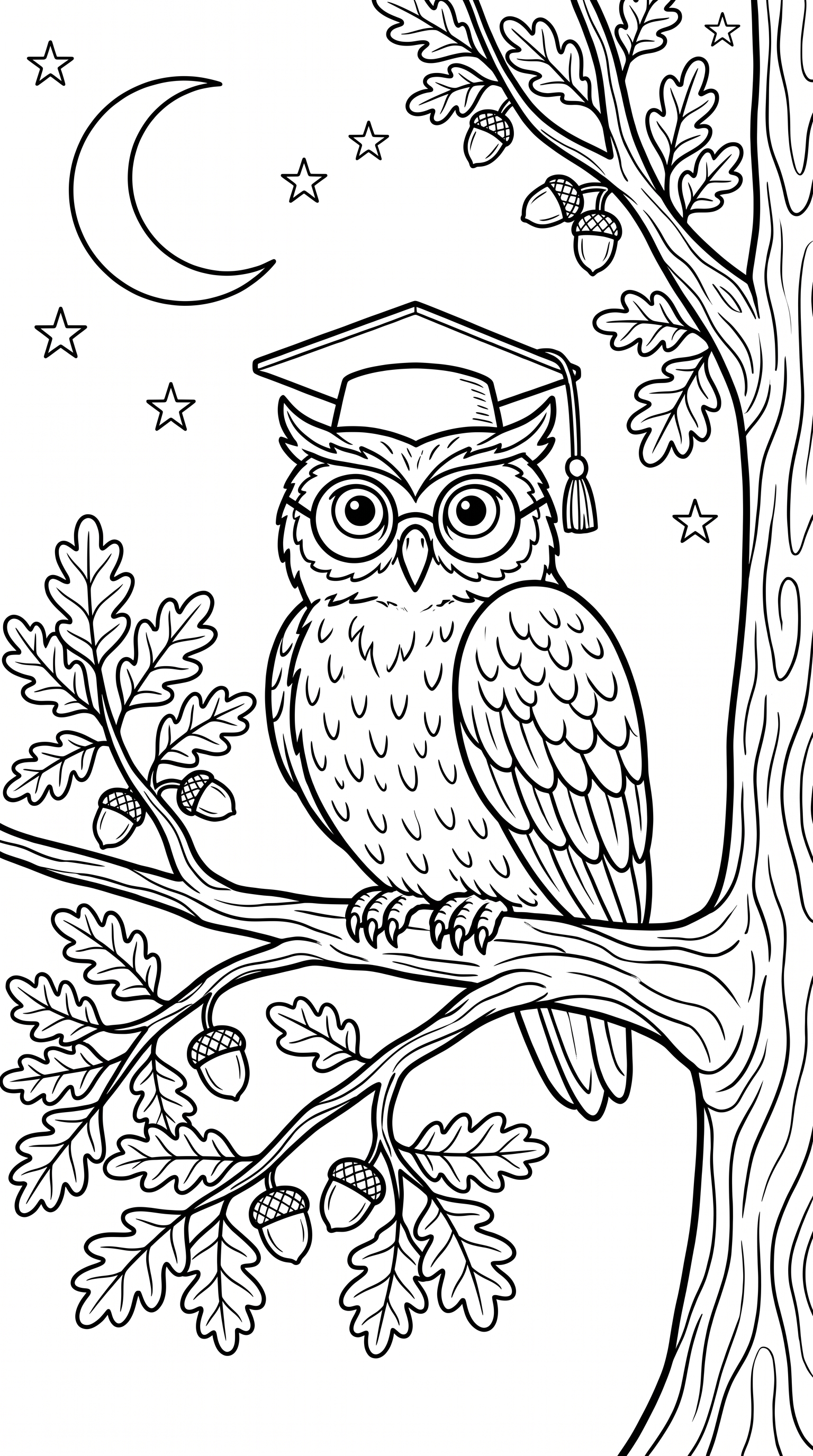
Owl perched on a branch
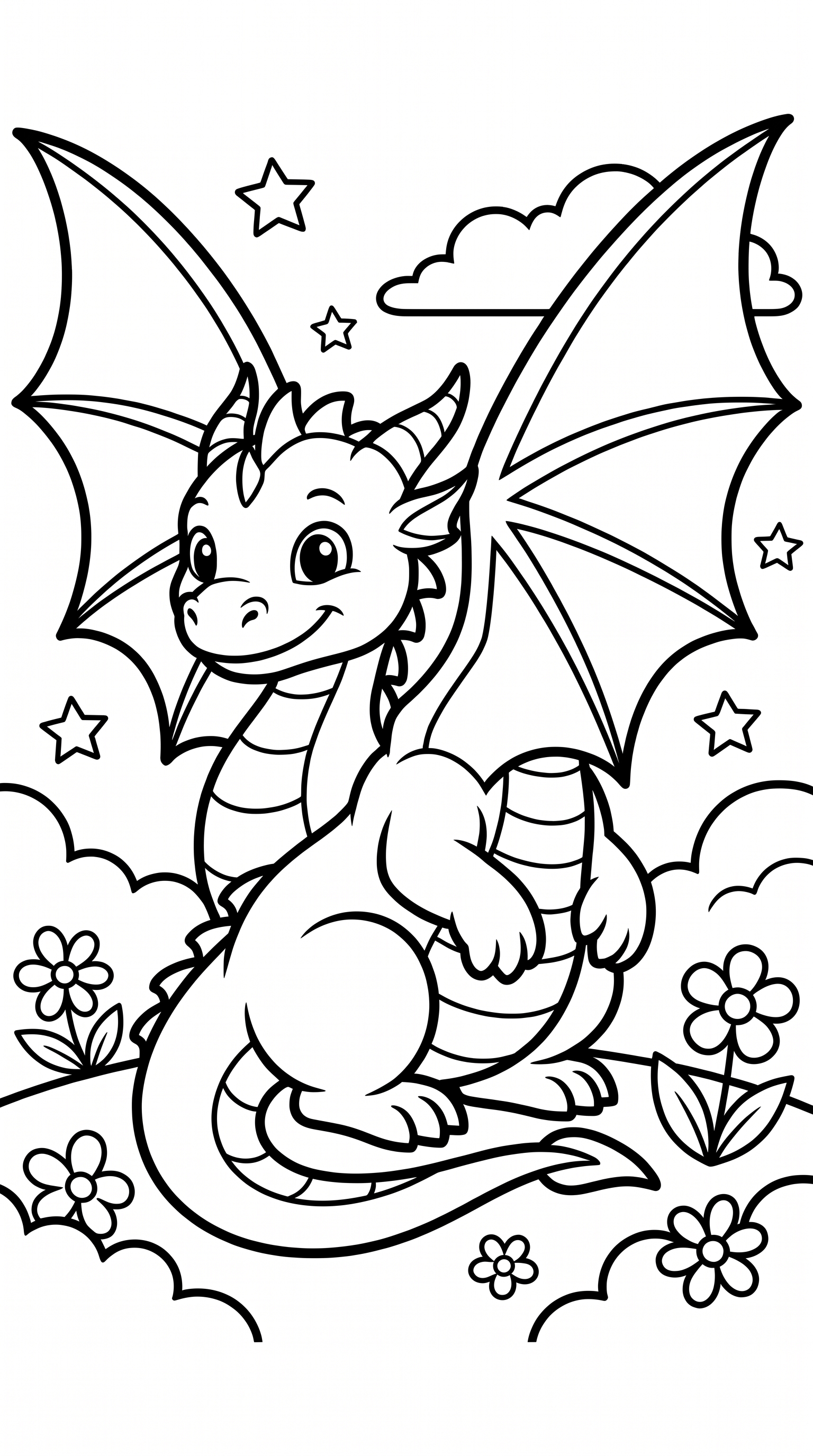
Friendly cartoon dragon
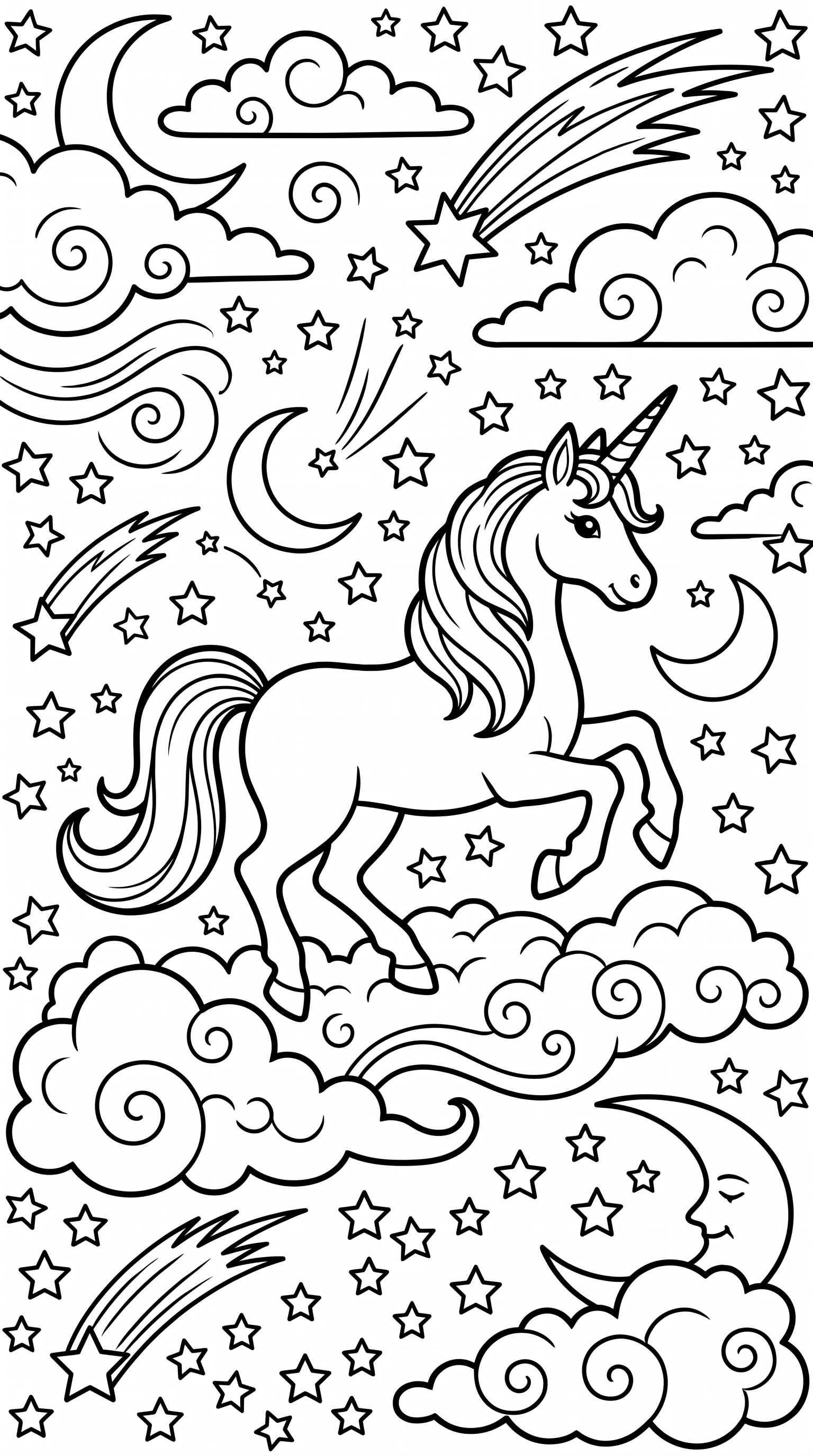
Magical unicorn
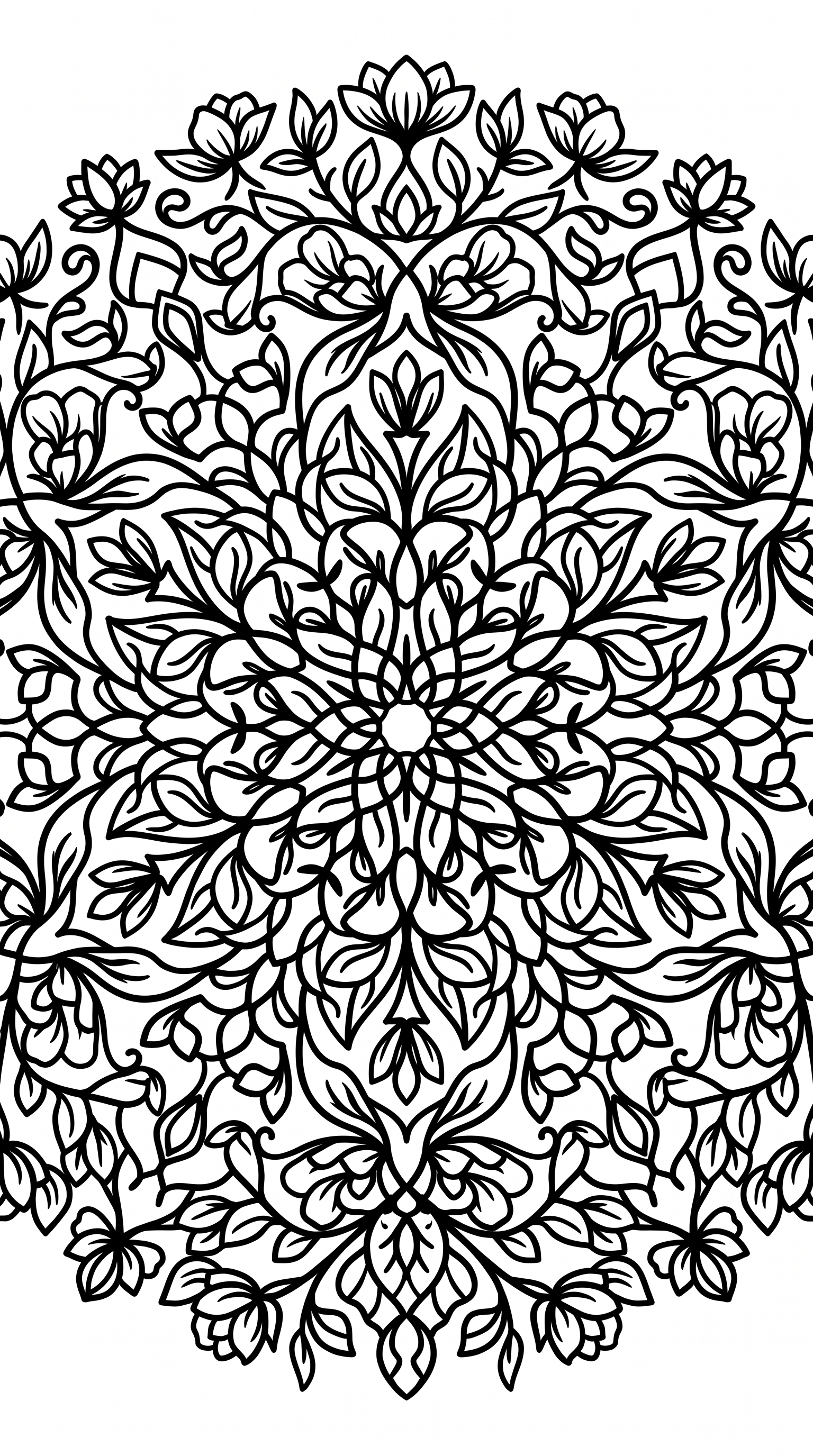
Floral mandala pattern
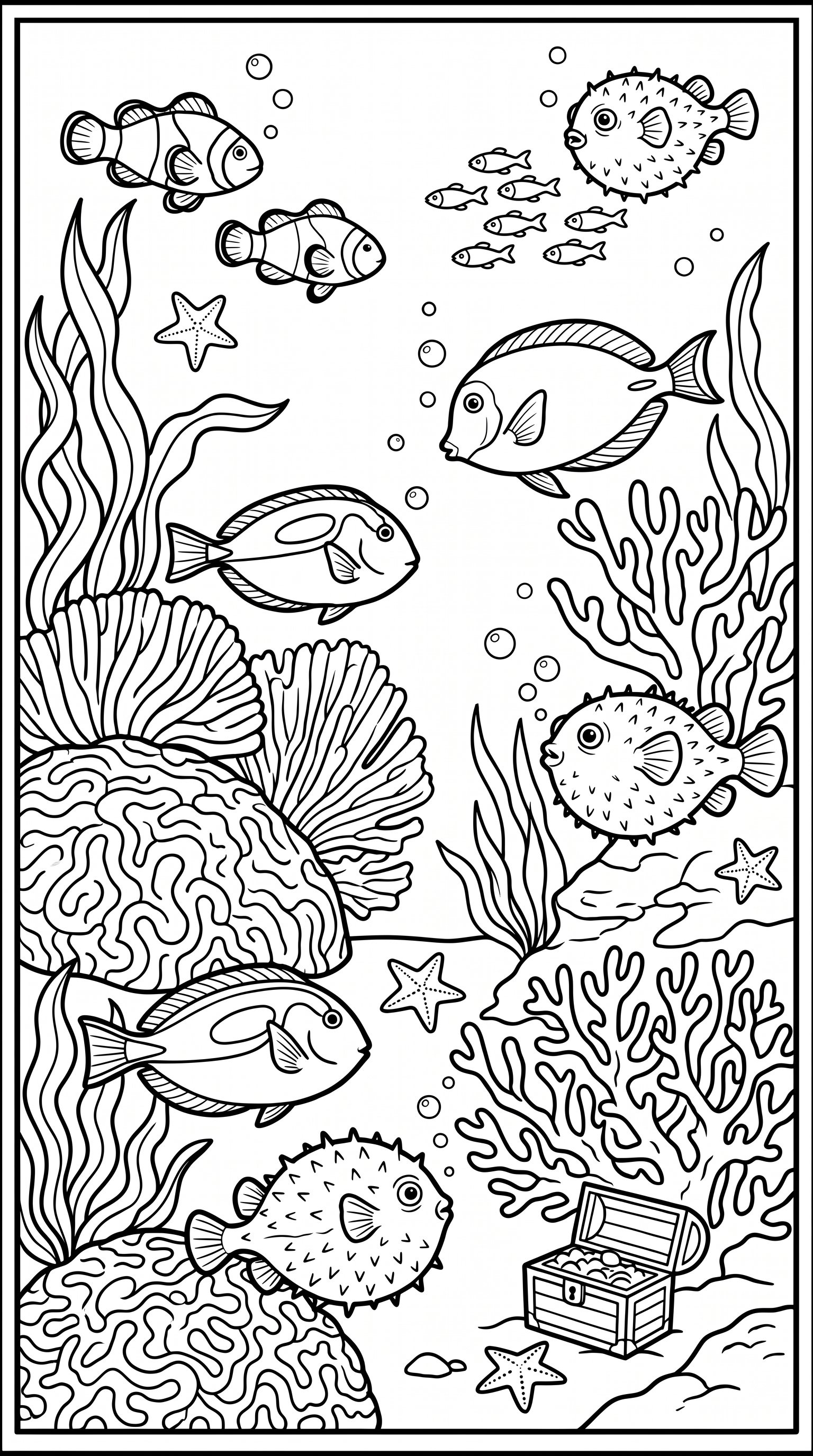
Under the sea scene
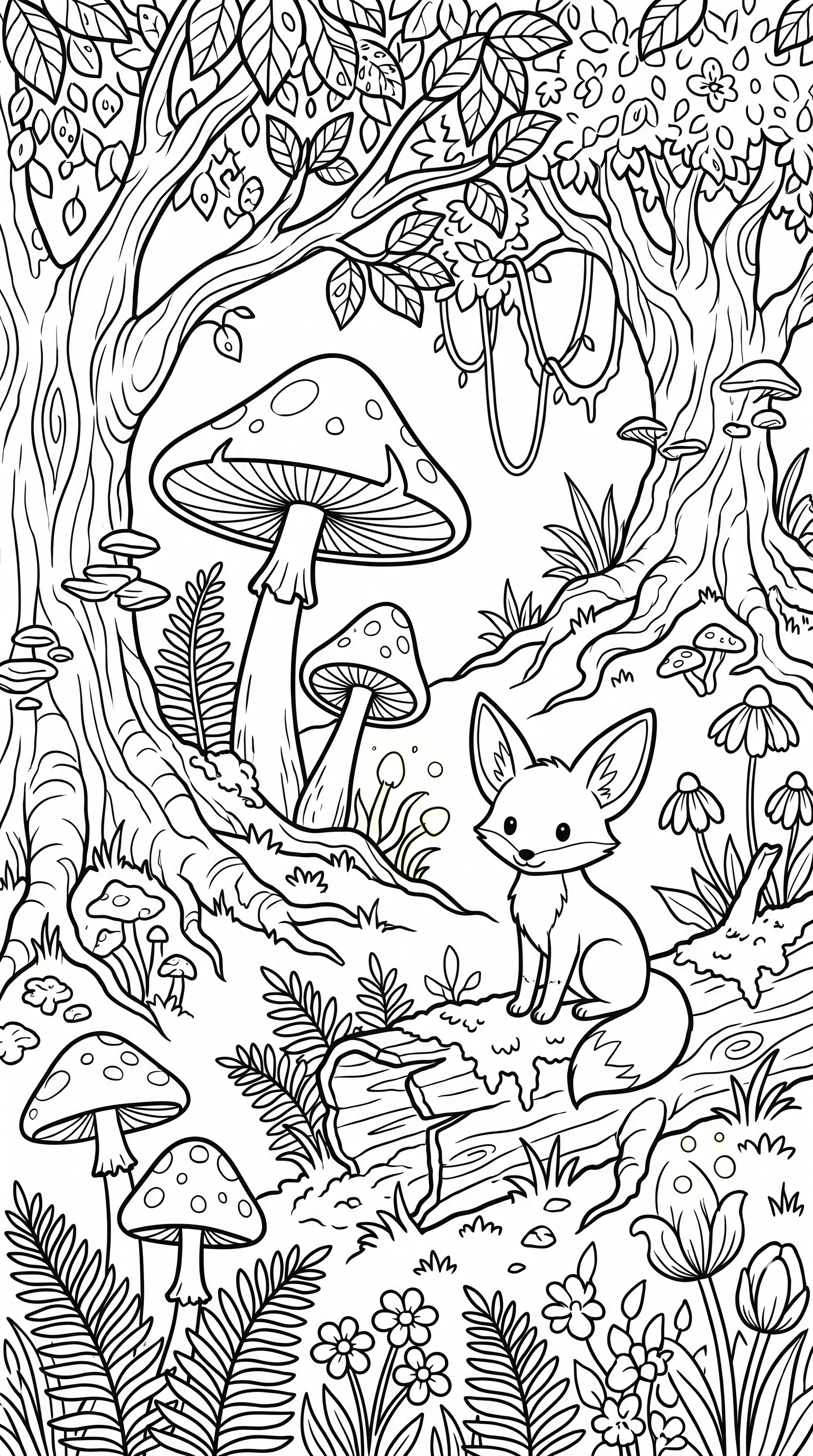
Mushrooms in the forest
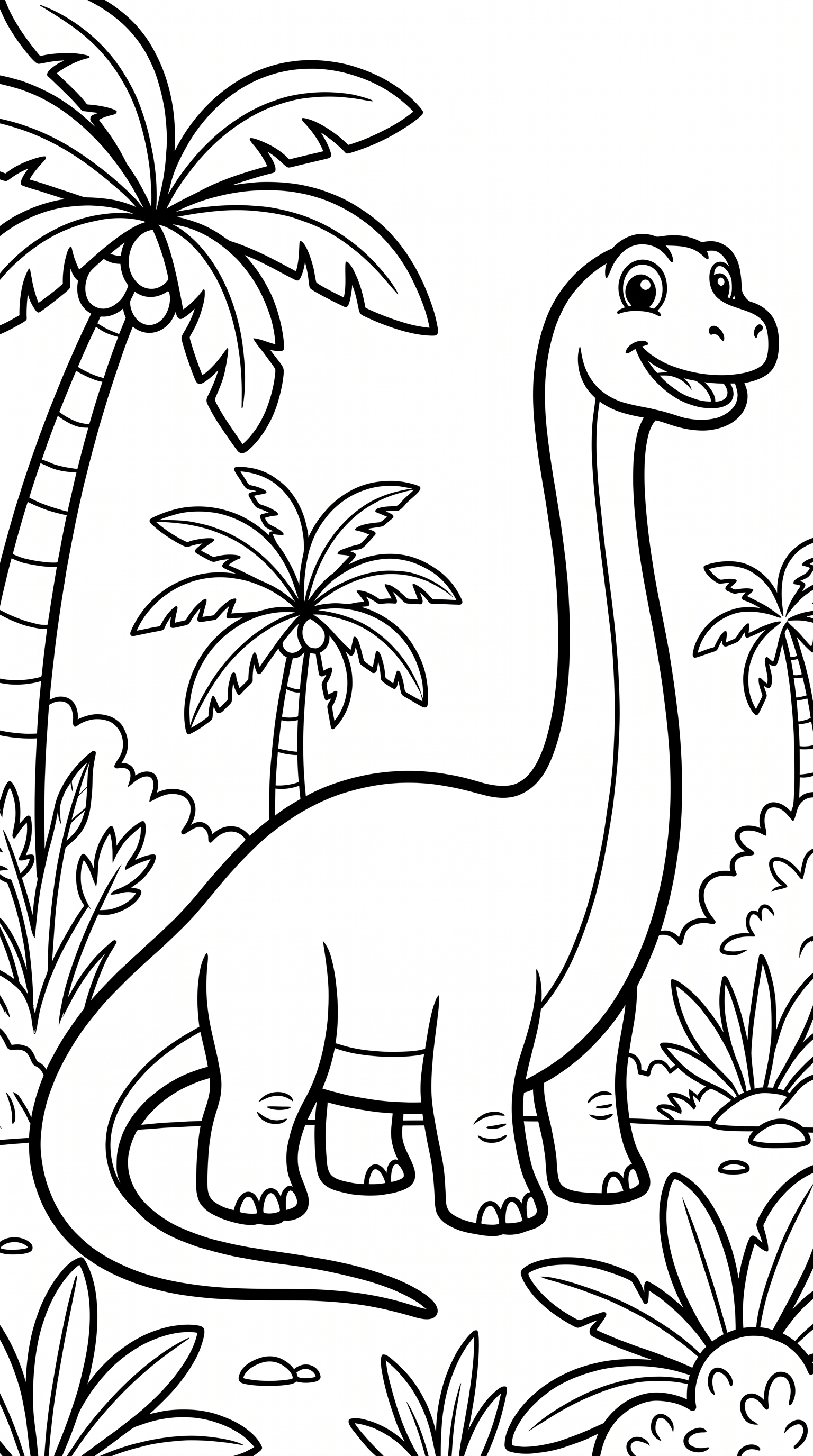
Dinosaurs for kids
Samples generated with the current Standard 4K KDP recipe in portrait (3:4) orientation. Results vary by prompt; inspect every page before using it.
From one page to a book draft in 4 steps
Generate, review, assemble, and preflight in one workflow.
1. Choose a character reference
Describe your character and choose a result to reuse as the visual reference and theme for later editable prompts.
2. Generate and review pages
Add scenes one at a time and review each generated page. Reused context guides continuity but does not guarantee an identical character.
3. Design the cover
Use the cover wizard to lay out back, spine, and front for your chosen page count and paper. Compare the candidate against a current KDP cover template.
4. Export and preflight
Export draft interior and cover PDFs, then inspect them in KDP Previewer and resolve any warnings before deciding whether to publish.
Why KDP sellers choose Plykit
Plykit connects page generation, editable theme reuse, Book Studio assembly, and draft PDF export in one KDP-focused workflow.
Reuse a character reference across pages
Carry the chosen reference and theme into later editable prompts. Generated details can still vary, so approve every page individually.
Cover wizard, no Photoshop
Lay out a wrap-around cover with spine-width math for the selected trim, paper, and page count, then compare the draft PDF with a current KDP template.
300 DPI PDF export
Interior pages are placed into a 300 DPI, 8.5×11 PDF layout. Inspect source art and the exported PDF at full size before upload.
KDP layout controls
Start from an 8.5×11 letter layout and selected margin settings. KDP performs the final file review, so run Previewer before publishing.
No watermark, ever
Clean line art — no logos, no signatures, no 'made with' stamp baked into your pages.
Coloring book demonstrations
Explore demonstration artwork and available samples. These are not complete or Amazon-approved paperback packages.


Read the full guide: How to make a coloring book for Amazon KDP →
Frequently asked questions
Everything sellers ask before publishing.
Make your first coloring book this week
Generate and review pages, assemble a draft, design the cover, and preflight the exported files for Amazon KDP.
Free to try — start your first coloring book in minutes.