AI Image Upscaler — Enlarge Photos 2x or 4x
Increase image dimensions with optional face enhancement. Inspect textures, text and faces after processing. Sign-in and credits required.
Choose Image
Drag and drop or click to upload
JPG, PNG, WEBP • Max 10MB
or try an example
Upscale Options
Powered by GFPGAN for sharper facial features
What makes an AI image upscaler suitable for your image?
Judge the exported file at the intended viewing size. Increasing pixel dimensions does not recover ground-truth detail. Faces, product labels and small text can change during enhancement; keep the source for comparison.
Product photos
Inspect packaging text, edges, colors and fine texture. Start with one representative image rather than assuming a whole catalogue will behave alike.
Explore this workflowLogos and line art
If you need editable shapes, use a vector workflow. A sharper bitmap is still a bitmap.
Explore this workflowProcessing cost
This tool currently charges 2 credits for 2x and 3 credits for 4x. Sign in and check the quote and account balance before processing.
Explore this workflowWhy Choose Our AI Image Upscaler?
Professional AI-powered image upscaling with Real-ESRGAN technology
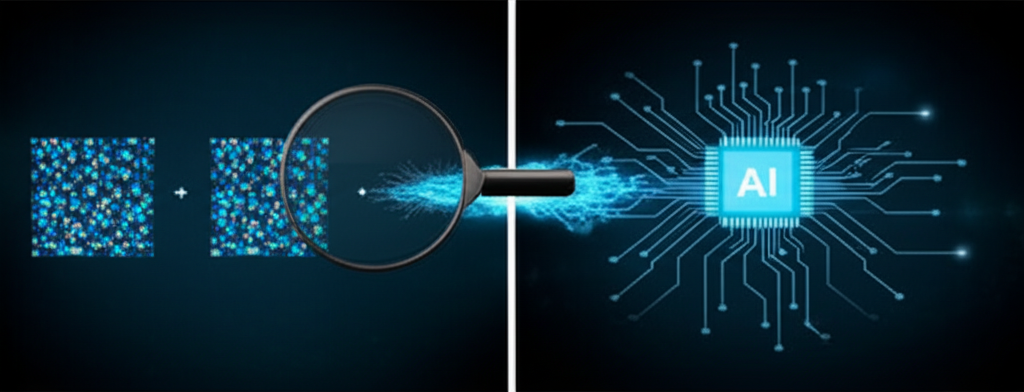
AI-Powered Image Upscaling
Our advanced Real-ESRGAN AI doesn't just resize your images—it intelligently reconstructs missing details, enhances textures, and adds clarity that wasn't visible before. Every pixel is analyzed and enhanced for maximum quality.
Review upscale options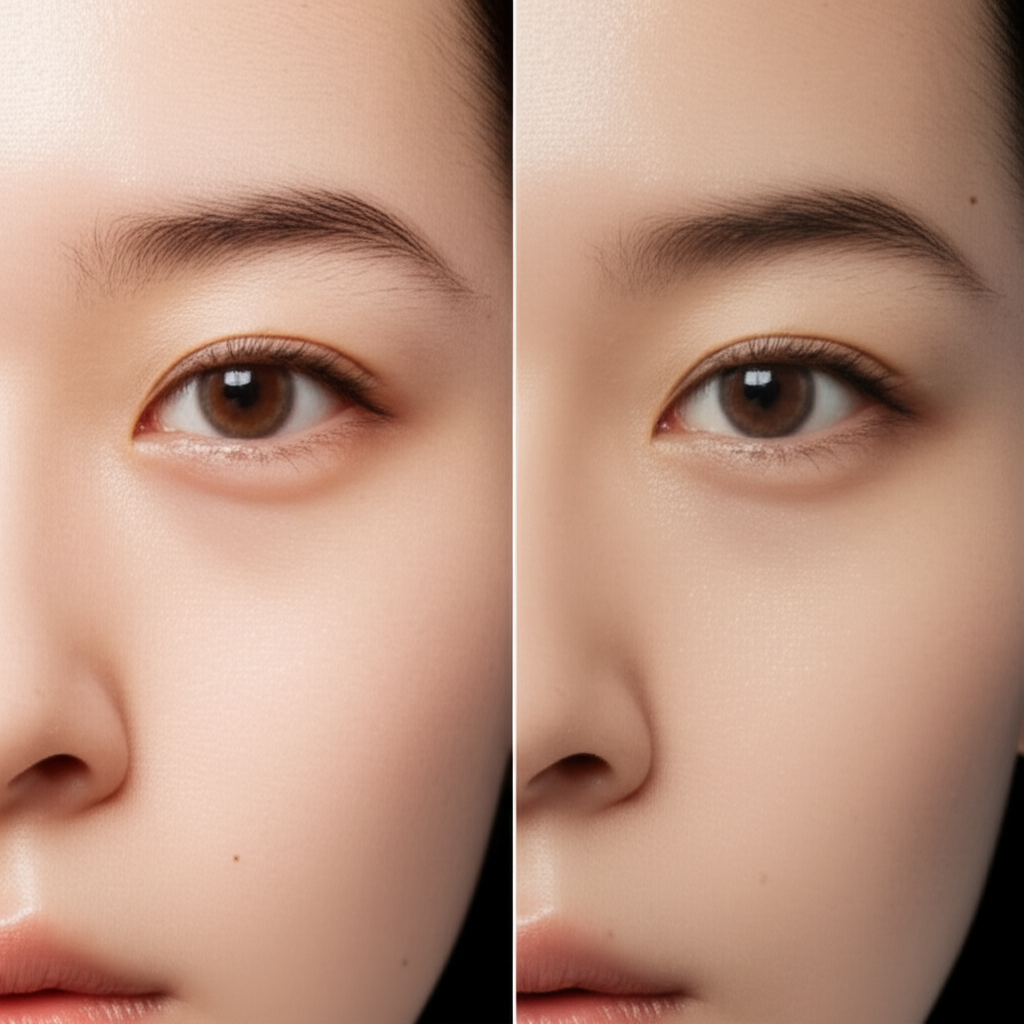
Face Enhancement Built-in
Powered by GFPGAN, our face enhancer specifically targets facial features for stunning portrait results. Eyes become sharper, skin texture improves naturally, and expressions stay authentic—perfect for upscaling old family photos.
Try face enhancement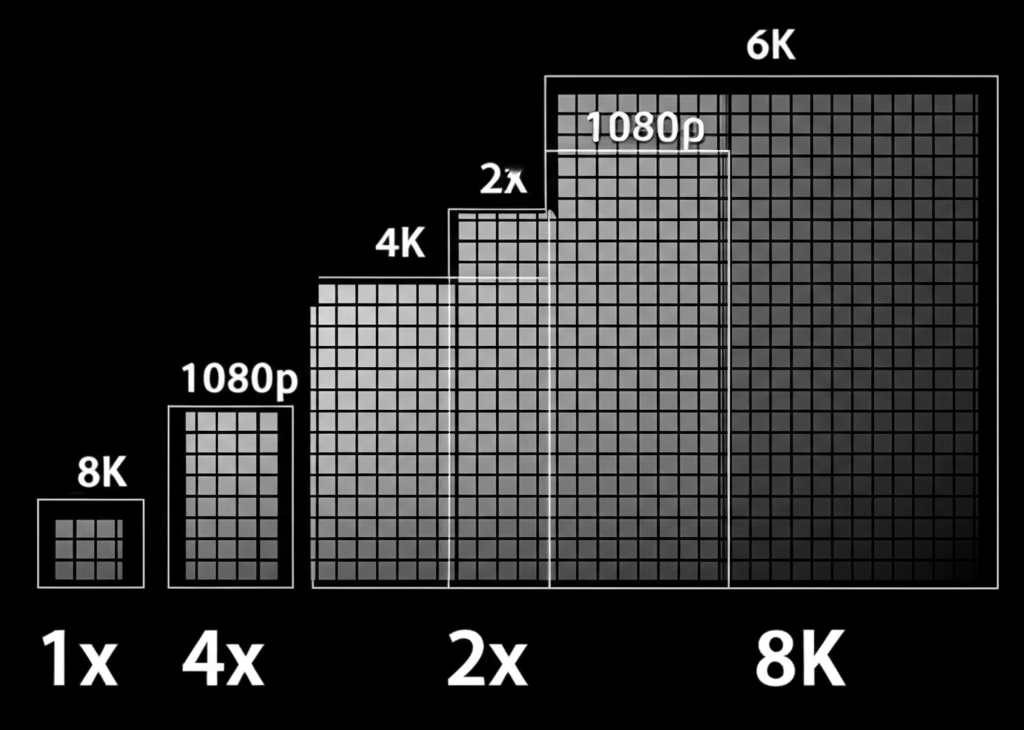
Upscale to 4K and Beyond
Transform small images into massive, print-ready files. 2x doubles your resolution, 4x quadruples it—reaching 4K, 8K, or even higher. Perfect for printing posters, enlarging wallpapers, or preparing images for large displays.
- 2x: Fast processing (~12s), ideal for social media
- 4x: Maximum detail (~25s), perfect for printing
- No quality loss—AI fills in missing details
- Works on any image size up to 10MB
Check the credit quote
Sign-in and credits are required. 2x uses 2 credits and 4x uses 3 credits per image. Check current plan terms and any starter eligibility in your account.
Review upscale optionsHow to Upscale Images in 3 Steps
Enlarge any image to 4K or higher resolution with AI
Upload Your Image
Upload any JPG, PNG, or WebP image up to 10MB. Drag and drop or click to browse.
Choose Upscale Settings
Select 2x or 4x upscaling factor, and toggle face enhancement for portraits.
Download High-Res Result
When processing completes, inspect the result and choose a download format.
The Technology Behind AI Image Upscaling
Our image upscaler uses Real-ESRGAN (Real-Enhanced Super-Resolution Generative Adversarial Network), a state-of-the-art AI model specifically designed for image super-resolution. Unlike traditional bicubic or bilinear interpolation that simply stretches pixels and creates blurry results, Real-ESRGAN has been trained on millions of image pairs to understand textures, edges, patterns, and fine details. When you upload an image, the model analyzes the existing pixels and intelligently generates new, realistic detail that fills in the gaps. For portraits, we optionally apply GFPGAN (Generative Facial Prior GAN), which specializes in restoring and enhancing facial features with remarkable accuracy.
Step 1: Upload Your Image
Upload any image in JPG, PNG, or WebP format up to 10MB. Our system detects the image dimensions, color profile, and content type automatically. For optimal 4x results, we recommend images at least 512x512 pixels — smaller images work too but may show more AI-generated texture patterns.
Step 2: Choose Upscale Settings
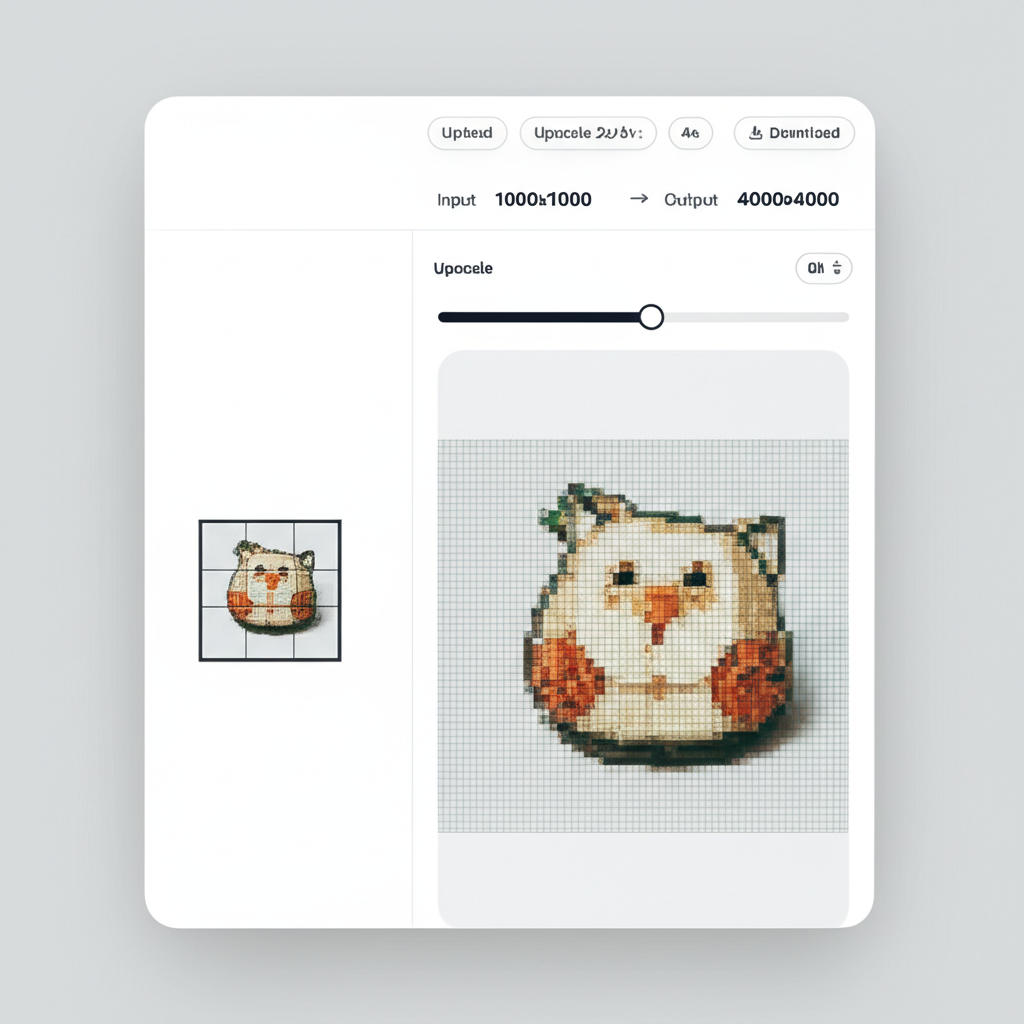
Choose 2x upscaling to double your resolution (e.g., 1000x1000 → 2000x2000) or 4x to quadruple it (e.g., 1000x1000 → 4000x4000). Toggle face enhancement if your image contains people — GFPGAN will sharpen eyes, improve skin texture, and enhance facial expressions while keeping results natural and realistic.
Step 3: Download High-Res Result
Once processing completes, you can compare the original and upscaled versions side by side. Download as PNG for maximum quality and lossless output, or JPG for a smaller file size suitable for web use and sharing. All downloads are full resolution with no watermarks.
Image Upscaling Use Cases
From old photos to AI art, upscale any image to print-ready resolution
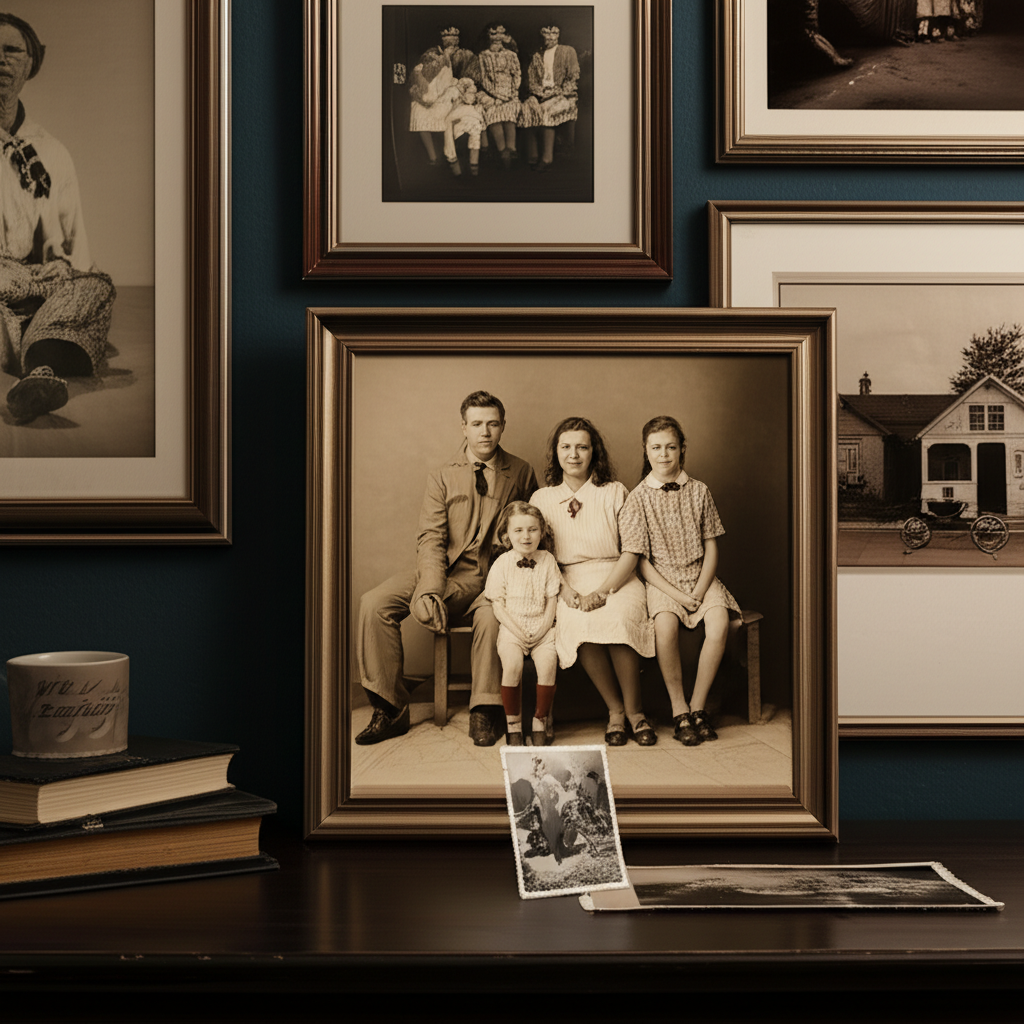
Old Photo Enlargement
Upscale precious memories and vintage photos for printing. Transform small, pixelated images into large, detailed prints.
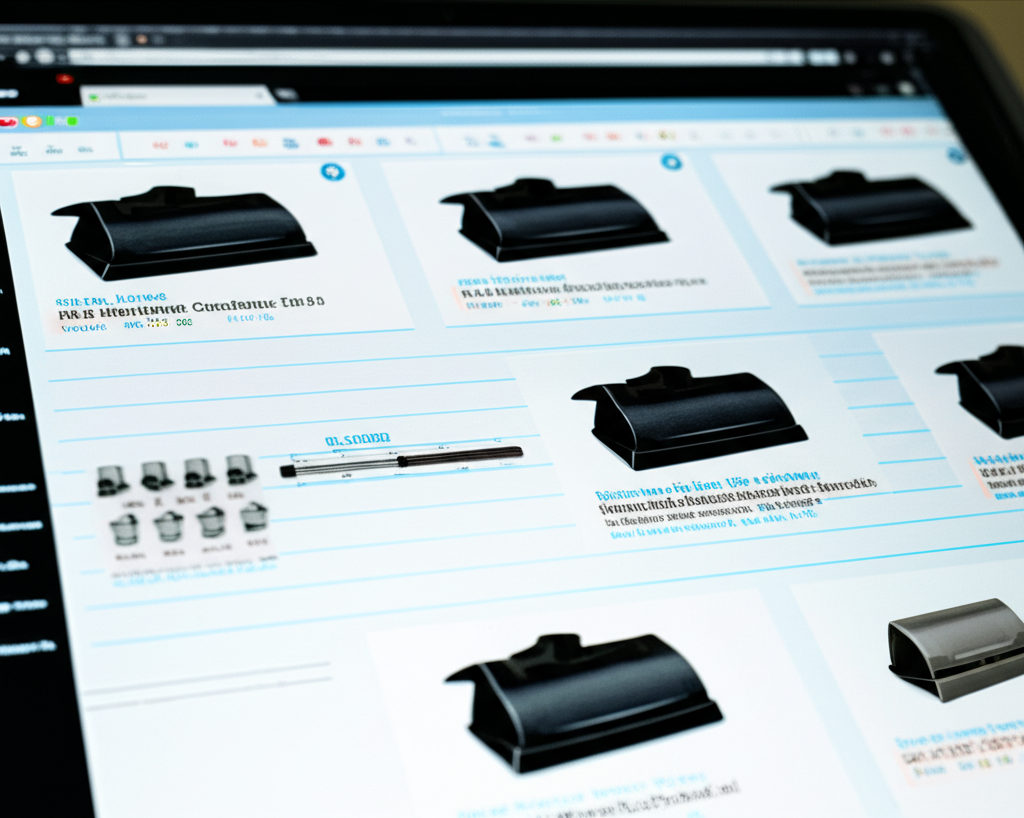
E-commerce Products
Enlarge product photos for zoom functionality. Create high-resolution images that showcase every detail.
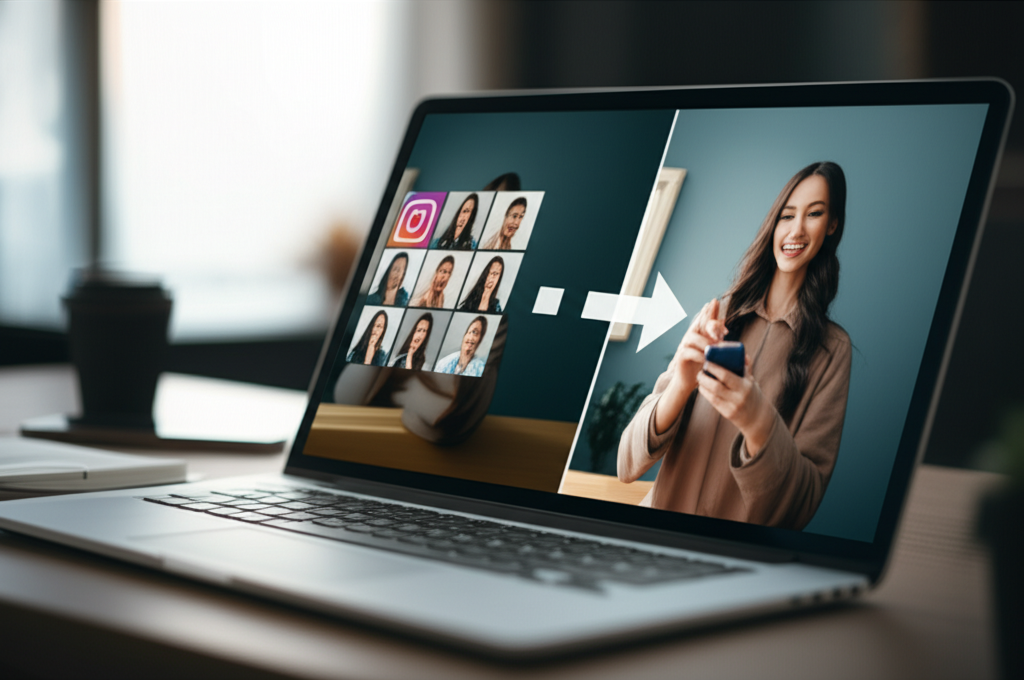
Social Media Content
Upscale images for large displays and high-DPI screens. Make your content look stunning on any device.
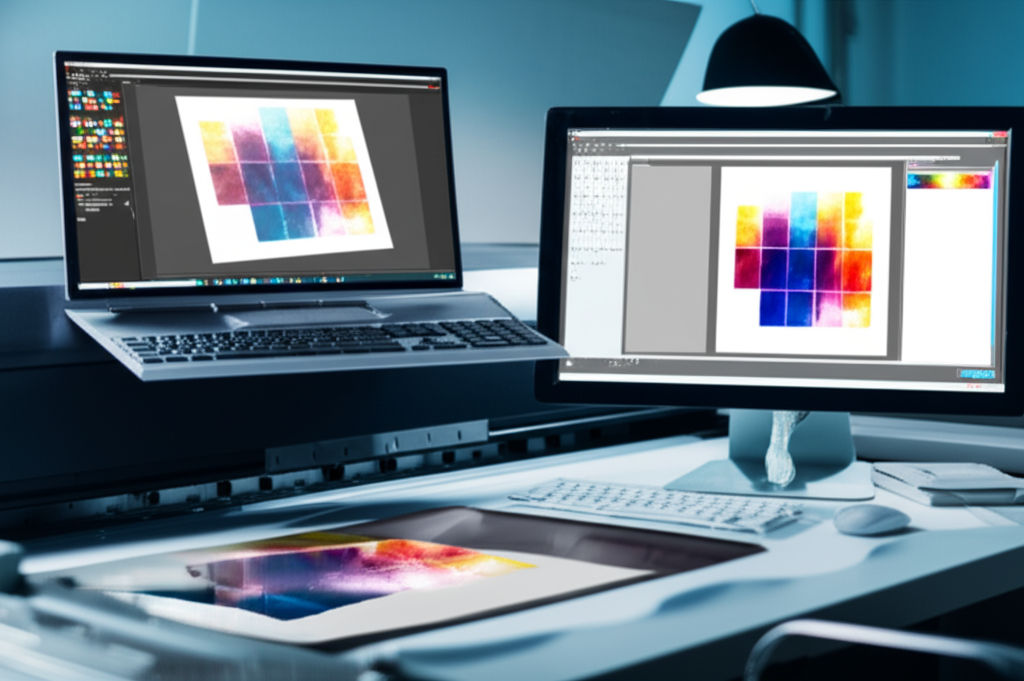
Print & Posters
Prepare images for large-format printing. Upscale to poster-size without losing sharpness or detail.
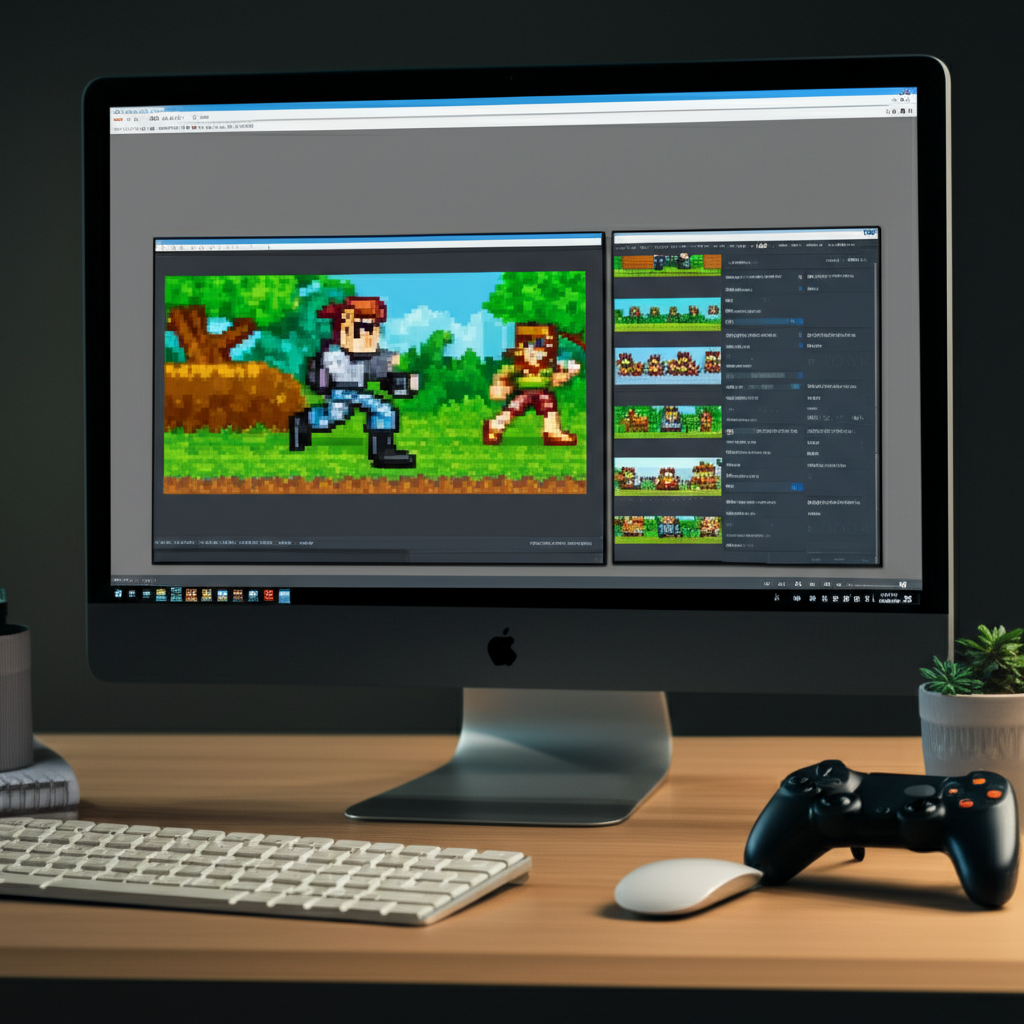
Game & Digital Assets
Upscale textures, sprites, and digital art for modern displays. Perfect for game modding and digital projects.
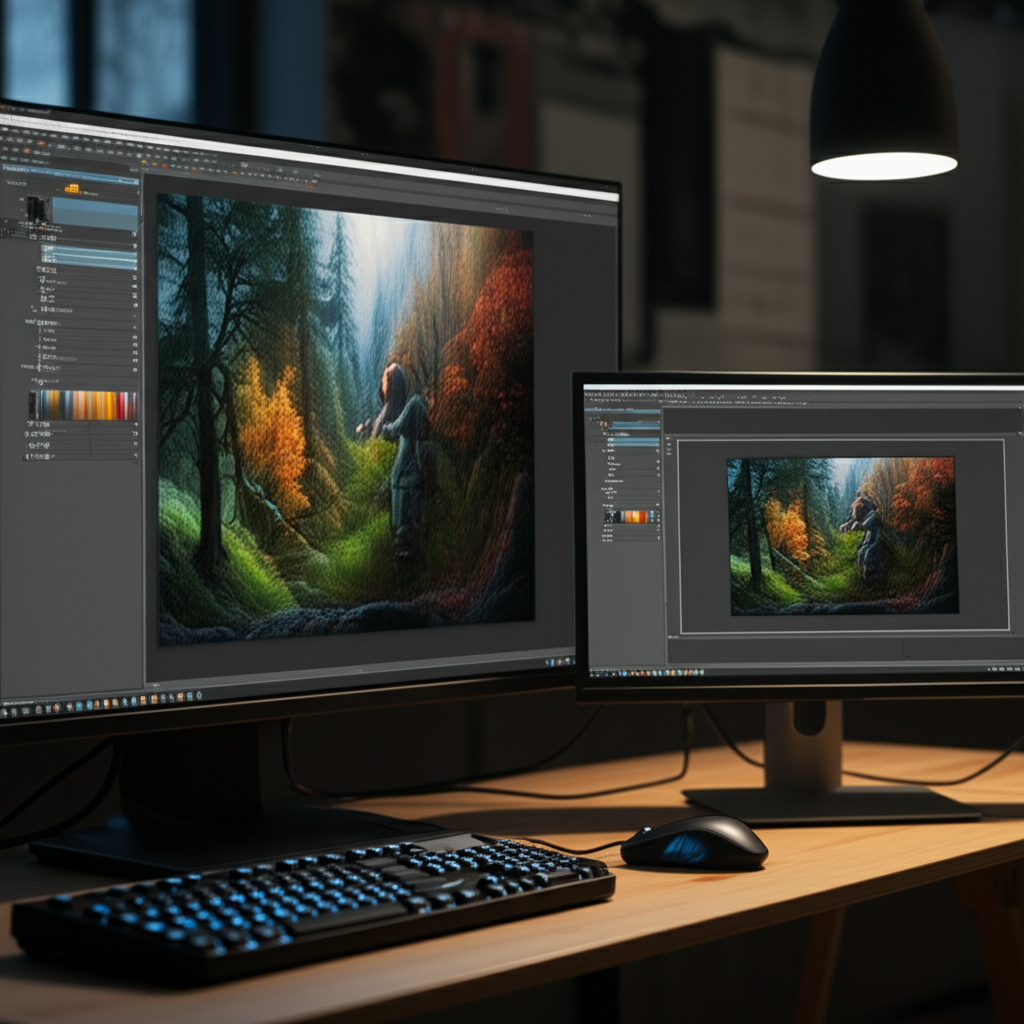
AI Generated Art
Enlarge AI-generated images for printing or display. Take your creations from preview size to wall-worthy.
Real Estate Photography
Upscale property listing photos for high-resolution virtual tours and large display prints. Make room photos look sharp and professional on real estate websites.
Wedding & Event Photos
Enlarge precious wedding and event photos for printing, framing, and albums. Recover detail from distant shots and make every moment print-worthy.
Document & Scan Enhancement
Upscale scanned documents, book pages, and archival materials for better readability. Sharpen text and illustrations that were captured at low resolution.
Desktop & Phone Wallpapers
Transform any image into a crisp, high-resolution wallpaper for your desktop, laptop, or phone. Upscale to match your exact screen resolution for pixel-perfect display.
How Plykit Compares to Other Image Upscalers
An honest look at how our AI upscaler stacks up against popular alternatives
AI image upscaling has become widely available, but not all tools are equal. Here is how Plykit Image Upscaler compares to the most popular alternatives on the market.
Plykit vs Bigjpg
Compare the current provider terms, supported inputs, export dimensions and your own permitted test image. We have not established a controlled quality, speed or price advantage over this service.
Plykit vs Let's Enhance
Compare the current provider terms, supported inputs, export dimensions and your own permitted test image. We have not established a controlled quality, speed or price advantage over this service.
Plykit vs Topaz Gigapixel AI
Compare the current provider terms, supported inputs, export dimensions and your own permitted test image. We have not established a controlled quality, speed or price advantage over this service.
Plykit Image Upscaler provides professional-quality Real-ESRGAN upscaling with an optional GFPGAN face enhancer, all through a simple browser-based interface. Our pay-as-you-go pricing makes high-quality upscaling accessible without subscriptions or expensive software purchases.
Tips & Best Practices for Image Upscaling
Maximize the quality of your upscaled images with these expert recommendations
Start with the Best Available Quality
AI upscaling amplifies both detail and artifacts. Start with the highest quality source image available — avoid heavily compressed JPGs or images with visible noise. If you have access to the original file, use it instead of a web-optimized version.
Choose the Right Scale Factor
Use 2x for images that just need a moderate boost — web thumbnails to full-size, or social media to print. Use 4x for images that need dramatic enlargement — old photos to poster size, or AI art to wall display. Over-upscaling beyond what the source supports may introduce unwanted AI artifacts.
Enable Face Enhancement for Portraits
Whenever your image contains faces, toggle on face enhancement. GFPGAN specifically targets facial features, producing noticeably sharper eyes, more natural skin textures, and clearer expressions compared to general upscaling alone.
Use PNG for Maximum Quality
Always download upscaled results as PNG when quality matters. JPG compression can undo some of the detail the AI generated. Save as JPG only when you need smaller file sizes for web uploads or sharing.
Avoid Upscaling Already-Upscaled Images
Running an upscaled image through the upscaler again rarely improves quality and can introduce compounding AI artifacts. If you need more than 4x enlargement, start with 4x from the original rather than running 2x twice.
Crop Before Upscaling
If you only need a portion of the image at high resolution, crop it first and then upscale. This saves processing time and credits, and the AI can focus its detail generation on the content that matters.
Compare Before and After
Use the side-by-side preview to inspect the upscaled result at full zoom before downloading. Check edges, textures, and faces to ensure the output meets your expectations. Different images respond differently to upscaling.
Test with a Small Section First
For important projects, test upscaling on a cropped section of your image first. This lets you evaluate the quality before committing credits to the full image, especially useful for 4x upscaling of large images.
Upscale your product photos to 4K, then create stunning lifestyle scenes for your listings.
Explore More AI Tools
Discover our complete suite of AI photo editing tools
Image Upscaler FAQ
Everything you need to know about upscaling images with AI
Still have questions? Contact us
Ready to Upscale Your Images?
Enlarge an image and compare the output against the original before use.
Sign-in and credits required. Check current account eligibility.
Built by Plykit — explore all AI image tools for free.