GPT Image 2 · Plykit
GPT Image 2 — Generate Images or Edit References
Create an image from your idea, or upload permitted references and describe the change you need.
Sign in and review your balance and the displayed credit cost before submitting. Eligible starter credits appear in your account.
Credits per image
- Text to image · 1K4
- Edit · 1K4
- Text to image · 2K or High41
- Edit · 2K or High41
Choose Your Task
Create an image from your idea, or upload permitted references and describe the change you need.
Text to image
Create an image from your idea, or upload permitted references and describe the change you need.
Check file dimensions
Check spelling, composition, likeness and actual file dimensions before using your image.
Check your language
Check spelling, composition, likeness and actual file dimensions before using your image.
Edit references
Use up to four reference images. Describe what to keep and what to change, then compare the result with your inputs. Details can change between results; exact identity is not guaranteed.
For a product-label editing example, read GPT Image 2 vs Nano Banana 2 and inspect the compared outputs.
Review before another edit
Each new generation or edit uses the displayed credits. Opening the tool does not start a generation.
Examples to start from
Examples and task ideas to explore; your output can differ.
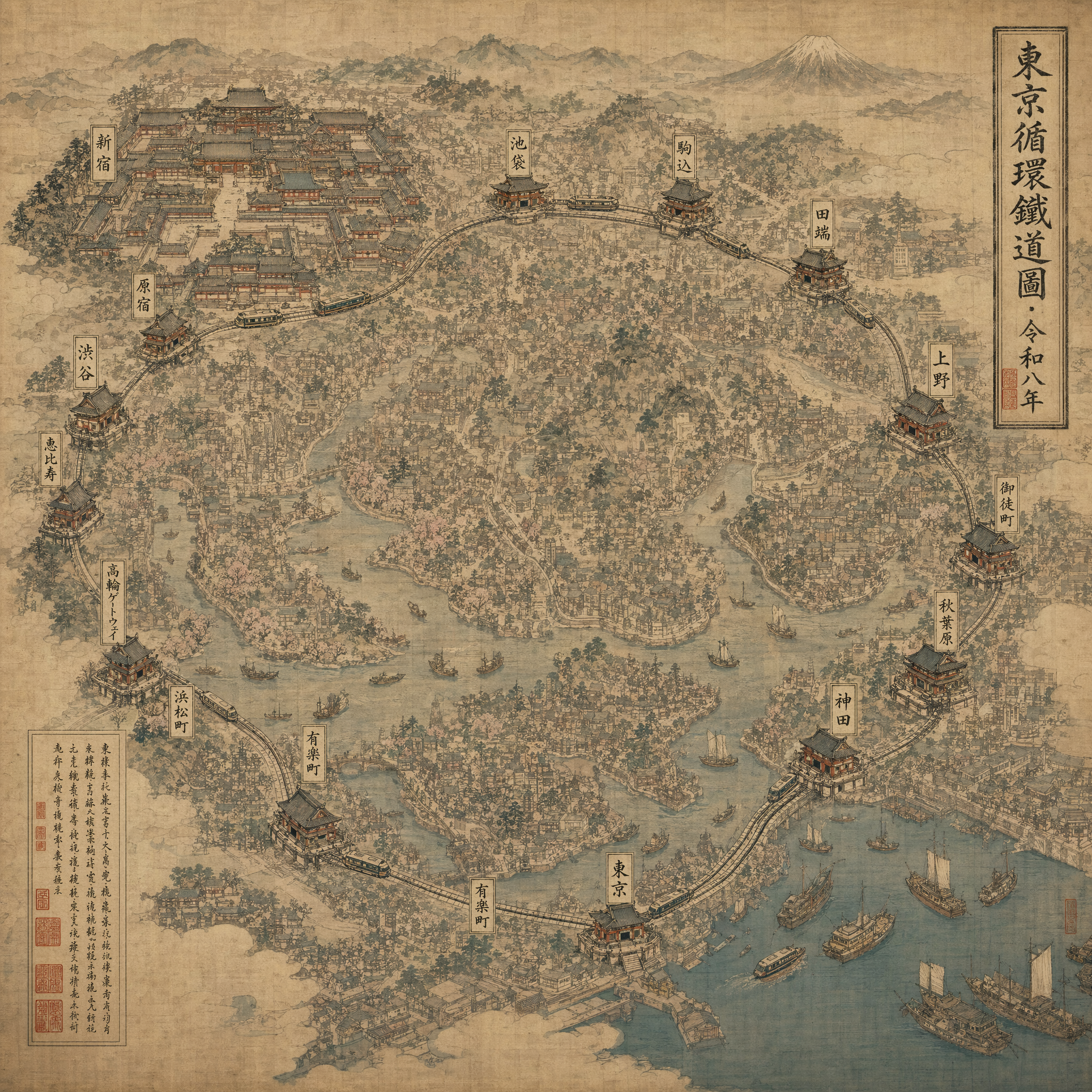
Creative Dense Song Dynasty-styled scroll painting reimagined as a modern city map of Tokyo's Yamanote line, ink wash on aged silk. Stations rendered as miniature pavilions, trains as boats, Shinjuku as the largest temple complex. Calligraphic cartouche top-right reads exactly "東京循環鐵道圖 · 令和八年". 3840×2160, museum-archive print quality, no modern type, brush-stroke texture visible at full crop.
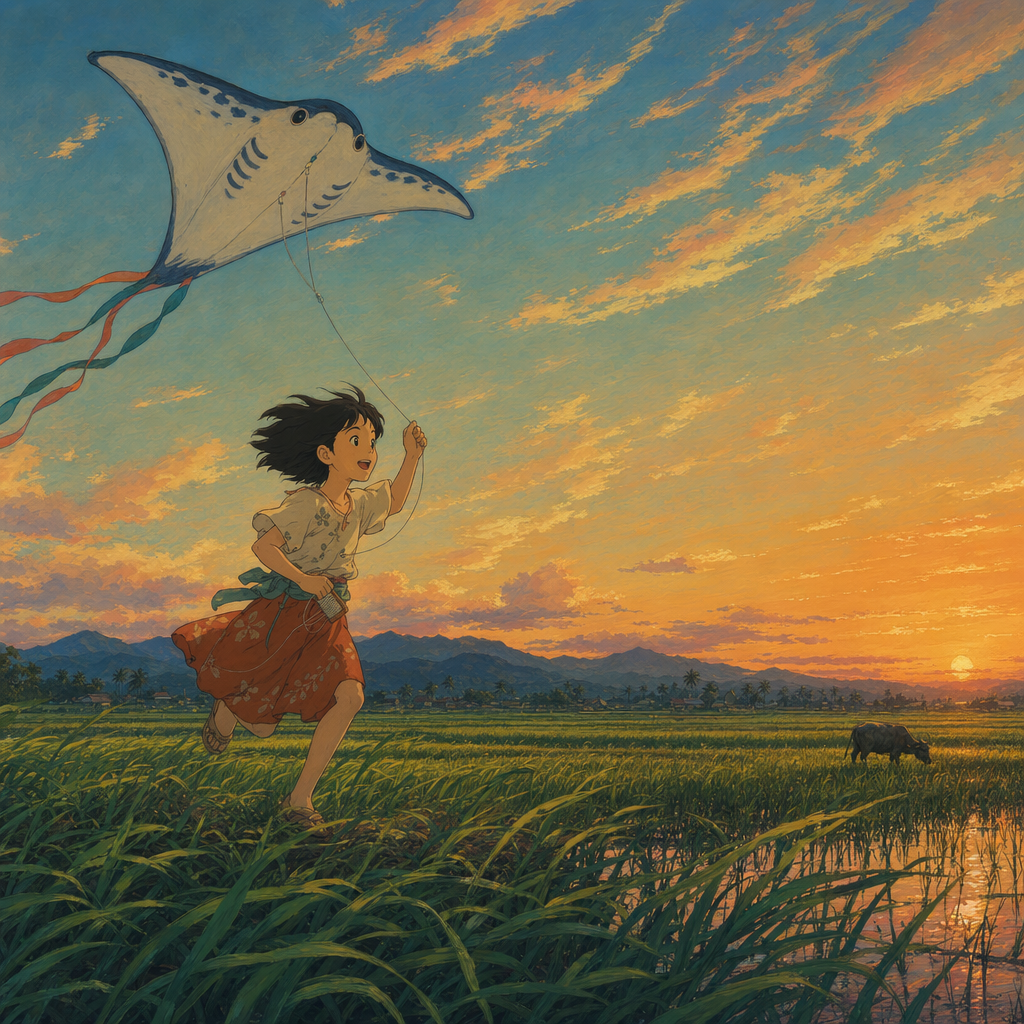
Creative Studio Ghibli-inspired but original: a girl, age 11, running across a wind-bent rice paddy at dusk carrying a paper kite shaped like a manta ray. Cirrus cloud wisps catching last orange light, one water buffalo in the distance. Hand-painted cel look with soft gouache skies, no digital gradient banding. 16:9, no Ghibli watermarks or existing characters — original design.
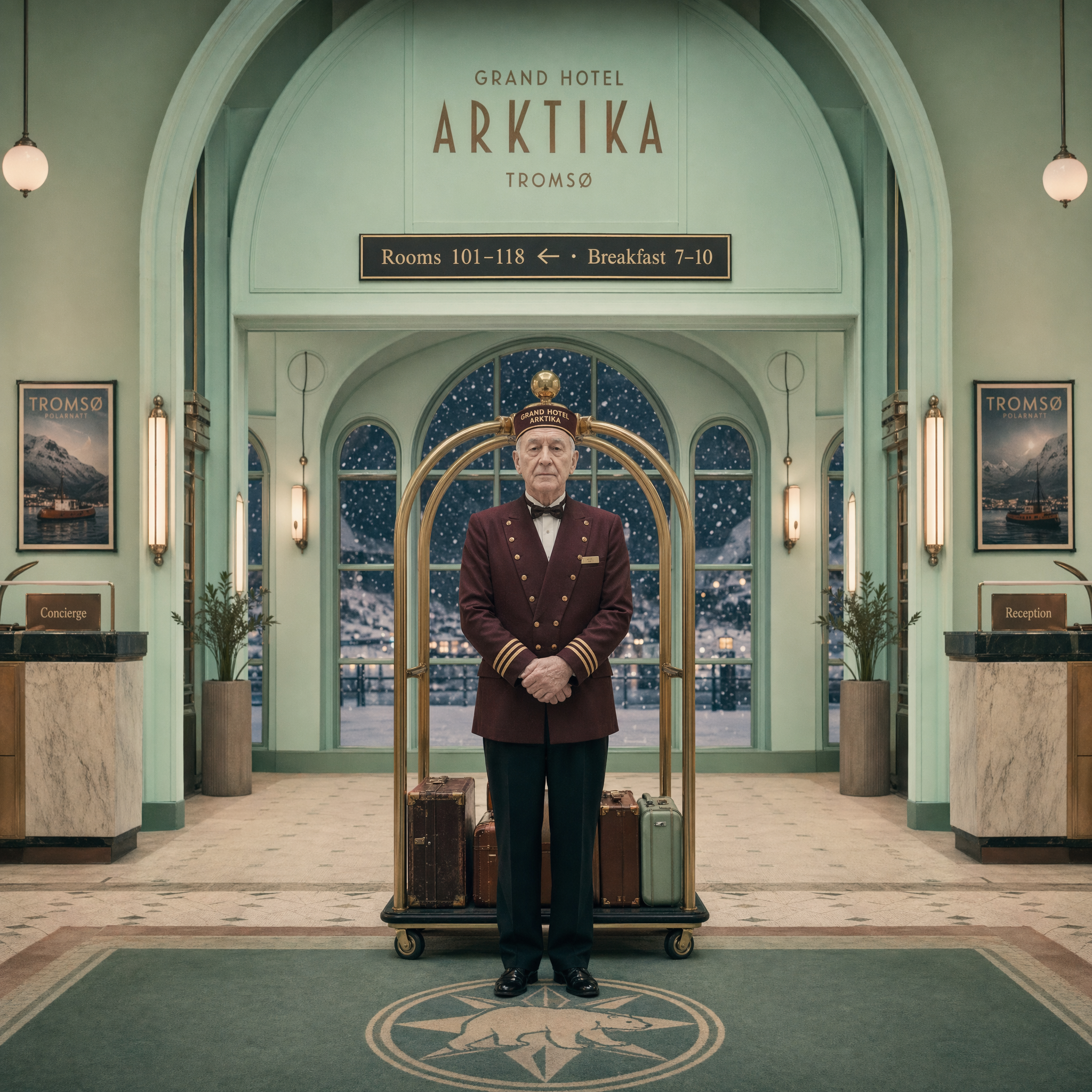
Creative One-point-perspective symmetrical composition, pastel mint palette, center-aligned composition in the tradition of mid-century European cinema. Interior of a fictional hotel named "Grand Hotel Arktika" in Tromsø during polar night. Brass luggage rack dead center frame, elderly concierge in burgundy uniform standing symmetrically center. Snow drifting visible through arched window. Wall placard behind reads exactly "Rooms 101–118 ← · Breakfast 7–10". 16:9, Panavision Panaflex cinematography look, symmetrical to one pixel, soft pastel grading.
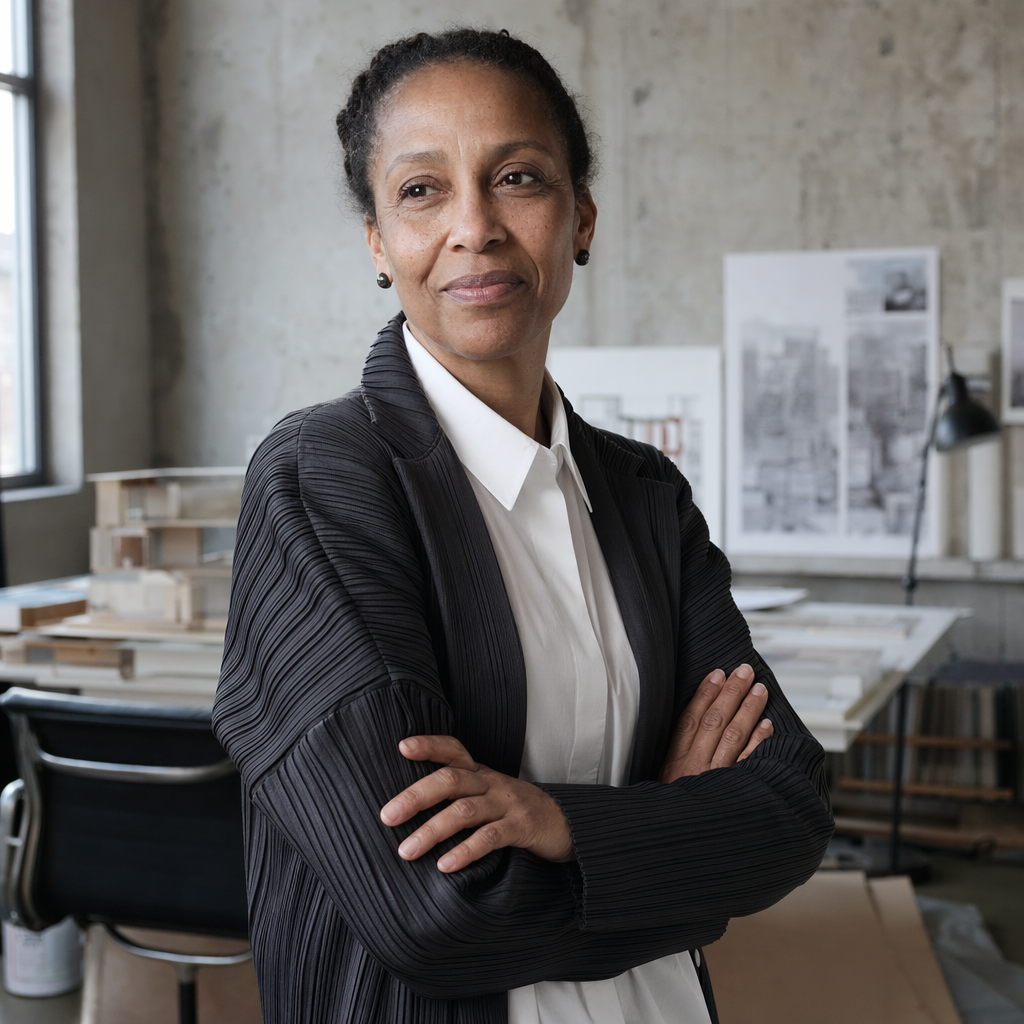
Editorial Headshot Editorial portrait for The New Yorker profile: a 58-year-old Nigerian-British architect in her office in Shoreditch, London. Dressed in a charcoal Issey Miyake pleated blazer over a white shirt. Arms crossed loosely, slight half-smile, looking past camera. North-facing window light, concrete walls, Eames chair partially visible. Medium-format (Fujifilm GFX), 80mm f/2, 4:5. Honest skin texture, visible pores and fine lines, no retouching, no glamour lighting.
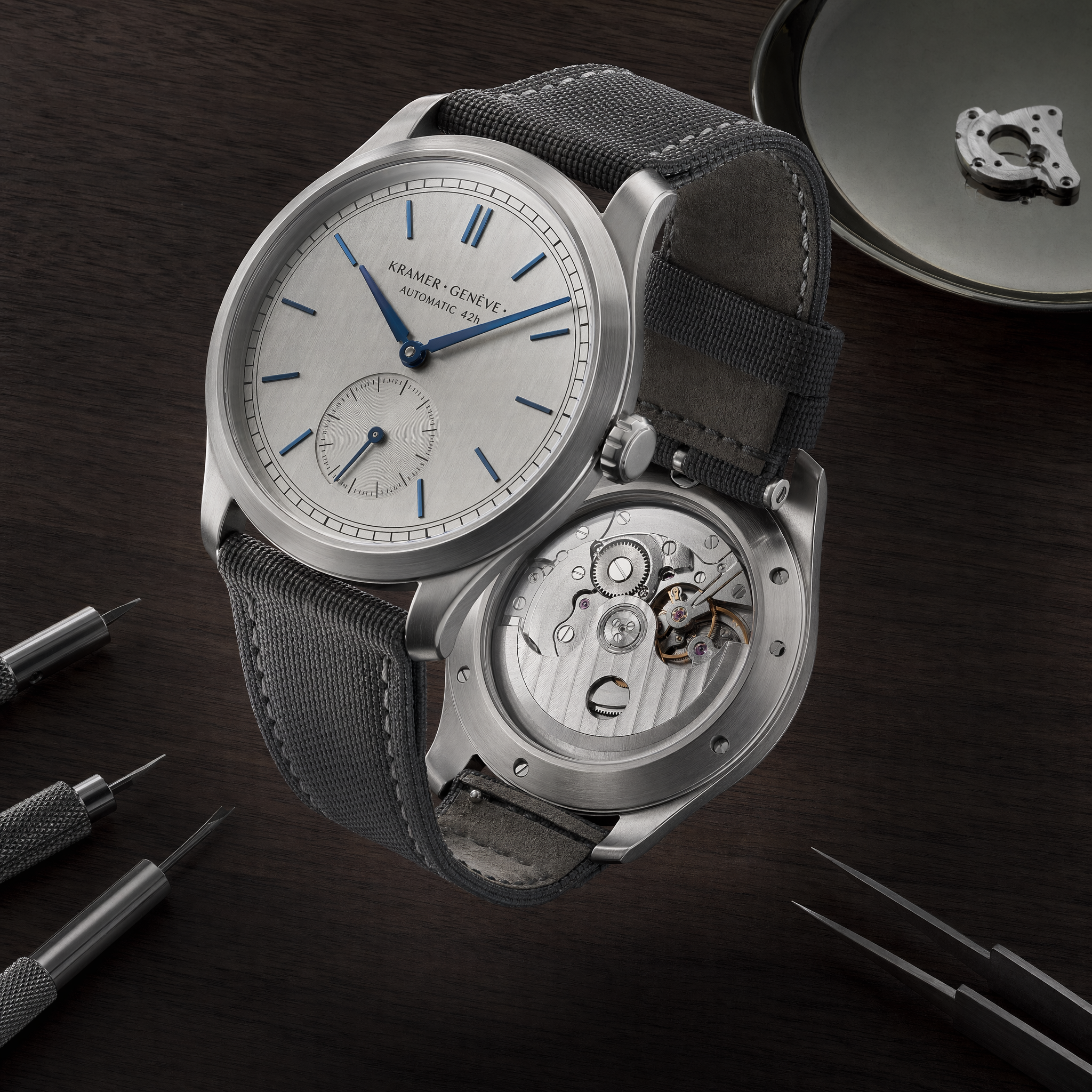
4K Product 4K hero shot for a fictional Swiss brand. A brushed titanium mechanical wristwatch, open caseback showing movement, suspended above a black walnut desk at 45° angle. Dial text reads exactly "KRAMER · GENÈVE · AUTOMATIC 42h". Blue polished hands, no logo on crown. Studio softbox 60°, rim light at 210°, f/11 focus-stack sharp edge-to-edge. Catalog-grade, no backdrop blur, no compositing seams.
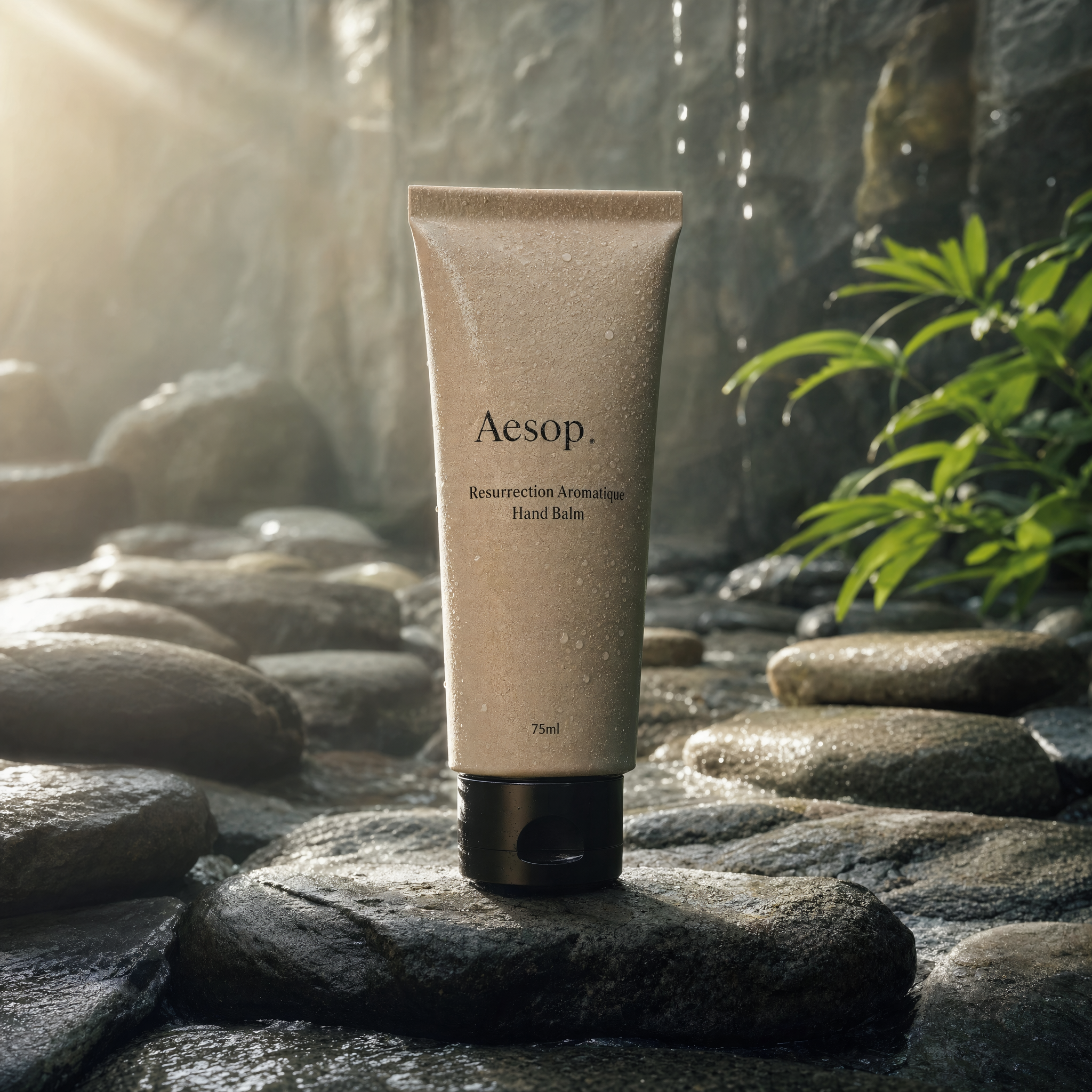
4K Product Editorial product photo at 4K, 3840×2160, 3:2. A single matte-ceramic Aesop Resurrection hand balm tube standing on wet river slate, backlit at 7 AM by raking side light through a skylight. Water droplets beading on label. Label reads exactly "Aesop · Resurrection Aromatique Hand Balm · 75ml". Hasselblad X2D look, 80mm f/5.6, no retouching halo, no shadow softness — sharp pore-level texture on ceramic.
Credits per image
What one image costs by size and quality. The Generate button in the generator shows the same number before you submit.
| Size | Quality | Text to image | Edit references |
|---|---|---|---|
| 1024 × 1024 | Low | 3 | 4 |
| 1024 × 1024 | Medium | 4 | 4 |
| 1024 × 1024 | High | 14 | 15 |
| 2048 × 2048 | Low | 10 | 11 |
| 2048 × 2048 | Medium | 13 | 13 |
| 2048 × 2048 | High | 41 | 41 |
Portrait and landscape presets in the same size tier cost the same.
How to use GPT Image 2 on Plykit
Pick text to image or edit
Write a prompt, or switch to Edit references and upload up to four reference images.
Choose size and quality
The Generate button shows the credits for your choice.
Generate and review
Check spelling, composition, likeness and actual file dimensions before you use the image.
What to Check Before Use
Check spelling, composition, likeness and actual file dimensions before using your image.
| Task | Workflow | Review | Next step |
|---|---|---|---|
| Proofread text | Text to image | Proofread text | Review before another edit |
| Check file dimensions | Text to image | Check file dimensions | Review before another edit |
| Edit references | Edit references | Details can change between results; exact identity is not guaranteed. | Review before another edit |
| Check your language | Text to image | Check your language | Review before another edit |
| Background selection unavailable | Background selection unavailable | Background mode selection is currently unavailable. Transparent or opaque background requests are not applied by this tool. | Review |
| Review before another edit | Text to image | Each new generation or edit uses the displayed credits. Opening the tool does not start a generation. | View plans and billing |
GPT Image versions compared
| Version | Status on Plykit | Credits |
|---|---|---|
| GPT Image 2 (Current page) | Available | 3–55 credits |
| GPT Image 2.5 | Available | 5–14 credits |
| GPT Image 1.5 | Not on Plykit | No generation credits |
Frequently Asked Questions
See tasks and limits
What can I do here?
Create an image from your idea, or upload permitted references and describe the change you need. Use up to four reference images. Describe what to keep and what to change, then compare the result with your inputs.
Should I generate or edit?
Create an image from your idea, or upload permitted references and describe the change you need.
Do I need to sign in and have credits?
Sign in and review your balance and the displayed credit cost before submitting. Eligible starter credits appear in your account. Each new generation or edit uses the displayed credits. Opening the tool does not start a generation.
Will my subject stay exactly the same?
Details can change between results; exact identity is not guaranteed. Use up to four reference images. Describe what to keep and what to change, then compare the result with your inputs.
What should I check in the result?
Check spelling, composition, likeness and actual file dimensions before using your image.
What should I check before sharing or selling?
Use images you have permission to use and review the current Plykit terms. A paid plan does not guarantee third-party rights clearance.
Choose Your Task
Create an image from your idea, or upload permitted references and describe the change you need. Each new generation or edit uses the displayed credits. Opening the tool does not start a generation.