Character drift: why your coloring book character changes on every page
A character reference gives later scenes a visual guide, but AI details can still change. Choose the features that matter for your character, keep the reference visible, and inspect every scene before including it in your book. Our puppy gallery contains ten archived illustrations for comparison, not a controlled test or a guarantee of identical characters.
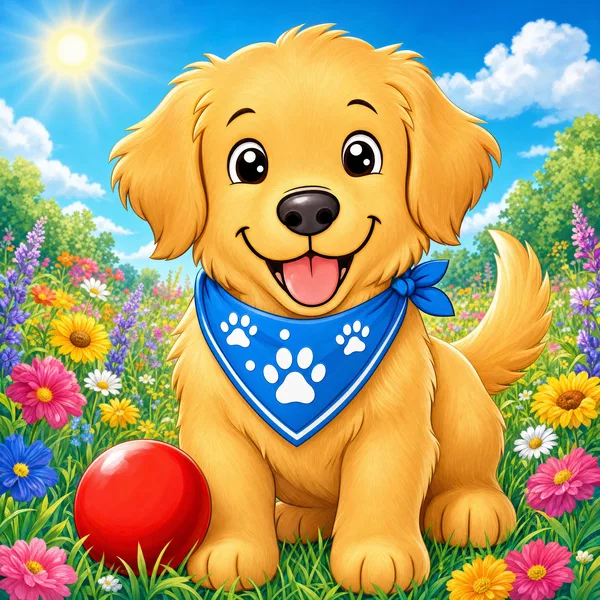
Open the archived example galleries to inspect their illustrations. They are not evidence of three completed, approved paperbacks or a controlled comparison of current models.
How to guide and review character consistency
1. Generate a few candidate characters, not one
Describe the character — "a round golden retriever puppy with a paw-print bandana" — and generate candidates as full-body, front-view line art. Review the displayed credit cost before generating and choose the features you want to preserve.
2. Choose one candidate as your reference
Pick a candidate to use as the character reference. Keep that picture available when creating and reviewing later scenes; it gives you a concrete visual guide for the intended face, proportions and accessories.
3. Use the reference and compare every new scene
Use the selected character reference when generating a new scene. A visual reference can help constrain the result, but faces, proportions and accessories can still change. Compare each image with the reference and keep it only if it fits your book.
4. Check the line art, not just the likeness
A page can hold the character and still be unusable. Scan each page for the five defects below before you accept it — they are cheap to spot now and expensive to find after you have uploaded a 40-page interior.
Five defects to check before you upload
Holding the character is necessary but not sufficient. These are the faults that make a technically correct page unusable as a coloring page, and they are the reason people are told to clean AI output in Photoshop before publishing.
1. Stray grey or black fill
Coloring pages must be pure black lines on pure white. Any grey wash or filled black area is a region the buyer cannot colour, and it drinks printer ink.
2. Broken or doubled outlines
A line that stops halfway, or two lines where there should be one, reads as a printing fault to a reviewer even though it came from the generator.
3. Regions too small to colour
Tiny enclosed shapes — fur texture, individual leaves — look detailed on screen and are impossible to fill with a crayon at 8.5×11 inches. This is the most common complaint in coloring book reviews.
4. Inconsistent line weight
If page 3 is drawn with hairlines and page 4 with thick outlines, the book stops feeling like one book. Line weight is part of character consistency, not separate from it.
5. Accidental text or signatures
Generators sometimes add scribbles that look like lettering. On a page meant to be blank line art it is obvious, and on a cover it is a rights problem.
Choose a reference and review a new scene
Choose a character reference, create a new scene, and compare the result. Keep it only if it fits your intended book. Each new generation or correction uses the credits displayed in the maker.
Open the Coloring Book MakerFrequently asked questions
What is character drift in an AI coloring book?
Character drift is when a recurring character looks different between pages — the ears change shape, the face changes or the bandana disappears. It can happen with text prompts and with image references, so every generated page needs comparison and review.
Why does re-using the same prompt not keep the character the same?
A text description leaves many visual details open to interpretation. Reusing it can still produce different faces, proportions or accessories. Adding a character image provides a visual guide, but does not guarantee identical results.
How can I use a character reference in Plykit?
Choose a character candidate as the reference, create a scene using it, and compare the result with the intended features. Reference-guided generation can still change details; review every page and correct or leave out results that do not fit. New generations and corrections use the credits displayed in the maker.
Can I still change the pose and the scene?
Yes. Describe the scene, pose or setting you want while using your character reference. Check the result carefully, because changing the pose or setting can also change character details.
Does this work for more than one character in a book?
This workflow starts with one selected character reference. If a scene includes multiple recurring characters, inspect each one separately. We have not verified a workflow that guarantees multiple character identities across a whole book.
Do I have to disclose that the artwork is AI-generated on Amazon KDP?
Yes. Amazon KDP asks you to declare AI-generated content when you publish, and that covers both interior artwork and cover artwork. Amazon treats AI-generated content as AI-generated even after you edit it substantially, so heavy editing does not remove the disclosure requirement — AI-assisted content is handled differently. The disclosure is made in the KDP publishing flow, not in the book itself. See Amazon KDP Content Guidelines for the current wording.
Do I own the coloring pages I generate?
Plykit output carries a commercial licence and no watermark on paid plans, so the pages can be sold. You remain responsible for the rights position of what you ask for — a character that copies an existing franchise is a problem regardless of which tool drew it.
Next: what Amazon requires you to declare about AI, the full step-by-step for a KDP coloring book, or everything Plykit does for KDP.