Christmas Dance AI Video Generator
Turn one portrait into a short Christmas dance video with music.
42 credits per video · Watch the 20-second example
Make it with your photo
Use a clear, front-facing photo of one person. A full-body vertical photo works best.
MP4 with music. Use a photo you have permission to share for AI processing.
One photo, one dance
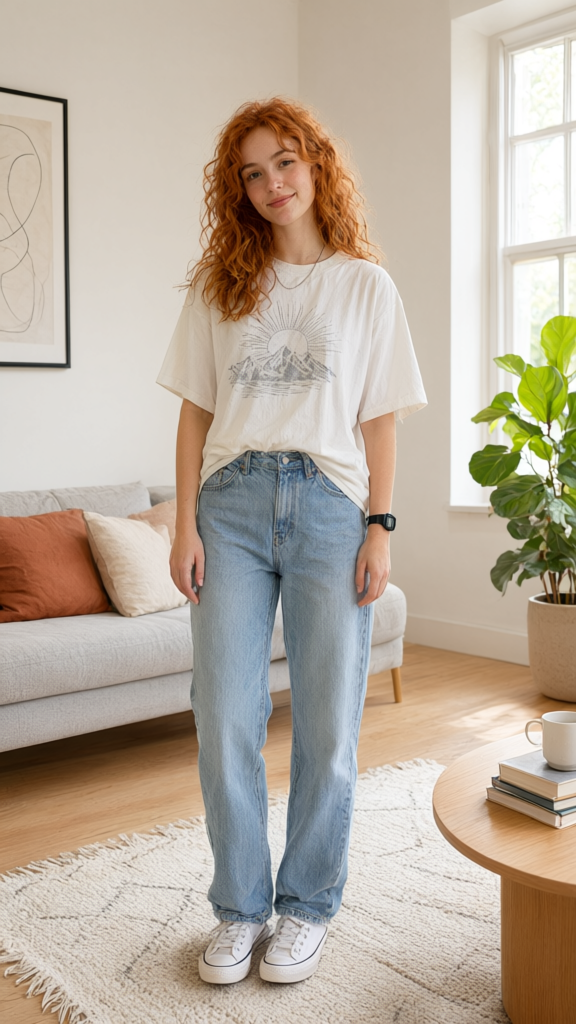
How to make a Christmas dance video
- Choose a well-lit photo of one person facing the camera.
- Upload the photo, review the credit quote and confirm.
- Preview your dance and download the MP4 with music.
Christmas dance video questions
- What kind of photo should I use?
- Choose one clear, front-facing photo of a person, ideally with their whole body in view. Use a JPG, PNG or WebP no larger than 10 MB. The image should be 1.2 to 2 times as tall as it is wide.
- Does the Christmas dance video have music?
- Yes. The Christmas dance soundtrack is already included in the MP4.
- Can I use a couple or group photo?
- Use a photo with one person clearly visible. This template creates a solo dance.
- Do I need to edit the video after downloading?
- The download is an MP4 with the soundtrack already in it, so you can share the file as is.