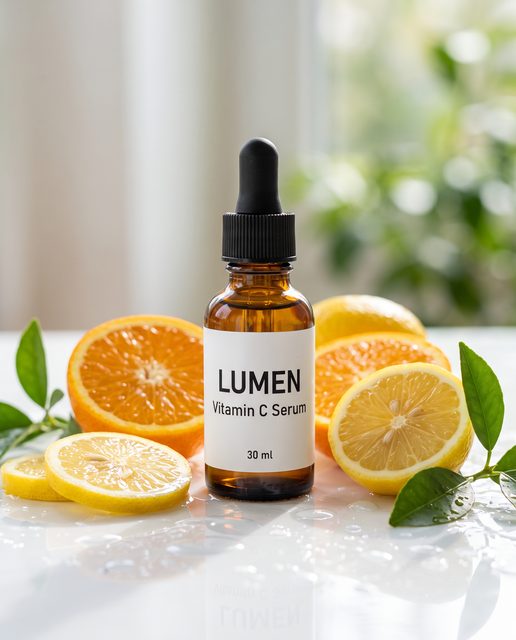
DTC brands
Product visuals for DTC brands
Explore product images and short videos for Meta and Instagram ads.
AI product photography →An AI image and video generator: make videos of up to 15 seconds with sound, turn product photos into ads, and edit images with up to 14 reference photos — Kling, Seedance, Nano Banana and GPT Image in one workspace.
Selling a product? Explore AI product photography →
Background video: Community sample · by @ChangningL29508 on X · via x.com
Plykit is an AI image and video generator for creating and editing ready-to-use visuals with leading models in one workspace, with guidance when you need it. Our first focus is product visuals for small and mid-sized DTC brands selling internationally, especially for Meta and Instagram ads.
Start from a prompt or a product photo and make images or short videos in one workspace: video models such as Kling and Seedance, image models such as Nano Banana and GPT Image, and one-step tools for white backgrounds, cut-outs and upscaling.
The input is in the corner of each card.
Samples are test runs made for this page with models Plykit uses; the white-background example used a similar cut-out tool.
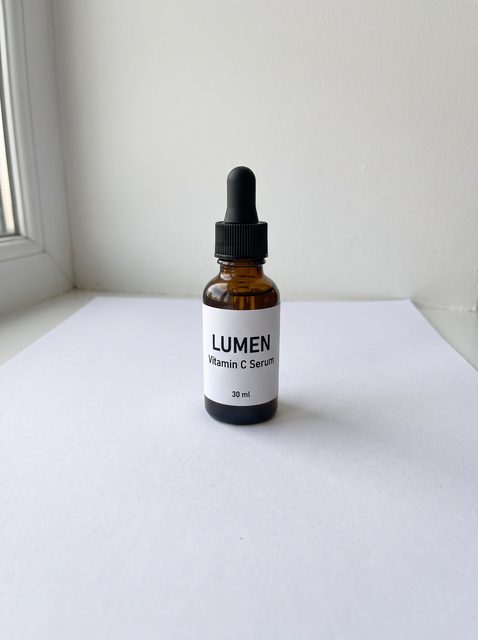 InputProduct videoOne product photo in, a 5-second 9:16 video out.Turn a photo into video →
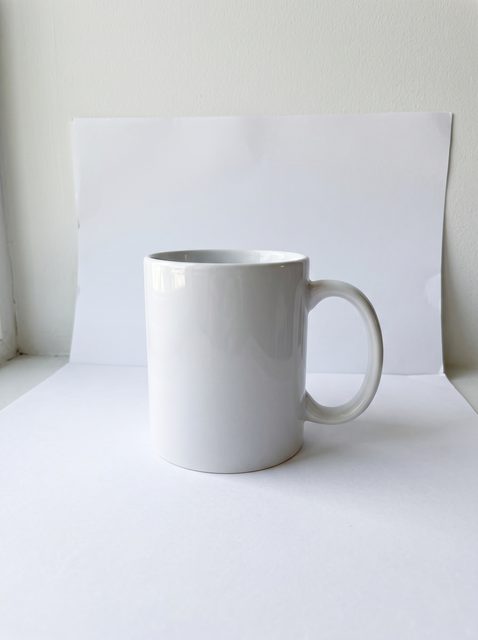 InputProduct photosYour product in a new scene, for ads and listings.
 InputPhoto to videoA still photo becomes a 5-second clip with camera movement.
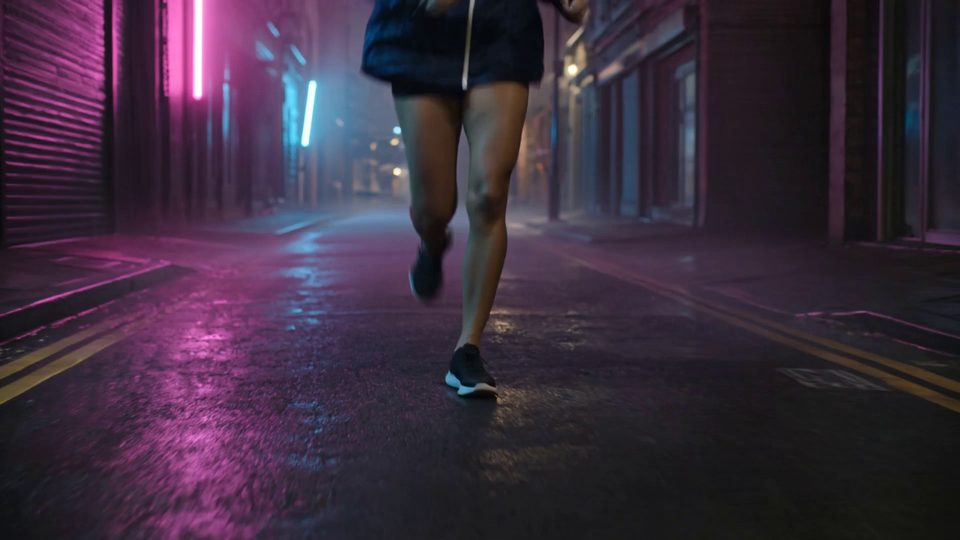 PromptCinematic night scene in the rain: a runner sprints through a neon-lit street…Video from textDescribe a scene and get a cinematic clip.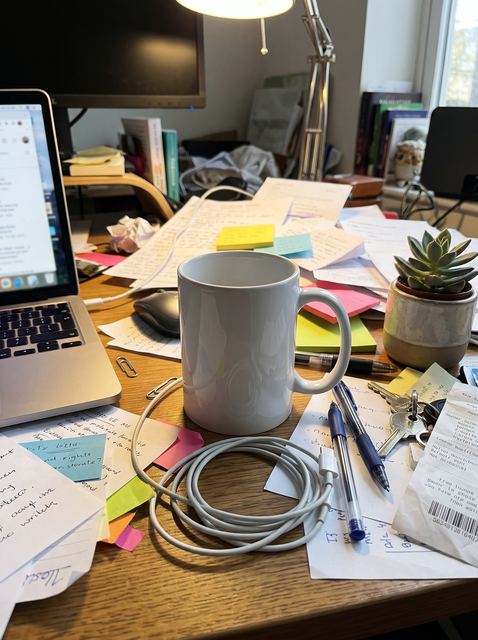
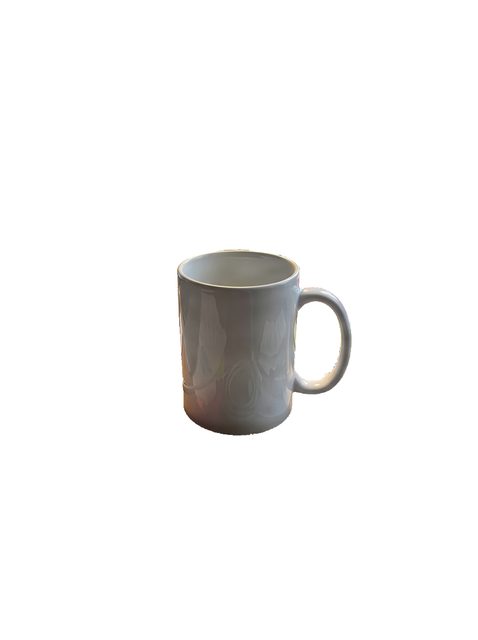 White backgroundCut the product out of a messy photo and place it on pure white.
Kling 3.0 and Seedance can generate sound with the clip.
Seedance 2.0 Pro runs 4 to 15 seconds and Happy Horse 1.0 runs 3 to 15; Kling makes 5- or 10-second clips.
Gemini Omni 1.1 Flash renders up to 4K; Seedance goes from 480p to 1080p.
Nano Banana 2.1 can edit with up to 14 reference images at once.
Images in 9:16, 4:5, 1:1 and 16:9; videos in 9:16, 16:9 and 1:1.
Upscale 2× or 4×, white background, background removal.
Explore product images and short videos for Meta and Instagram ads.
AI product photography →
Type a prompt or upload a photo, pick a model, and download what you make.
Start creating →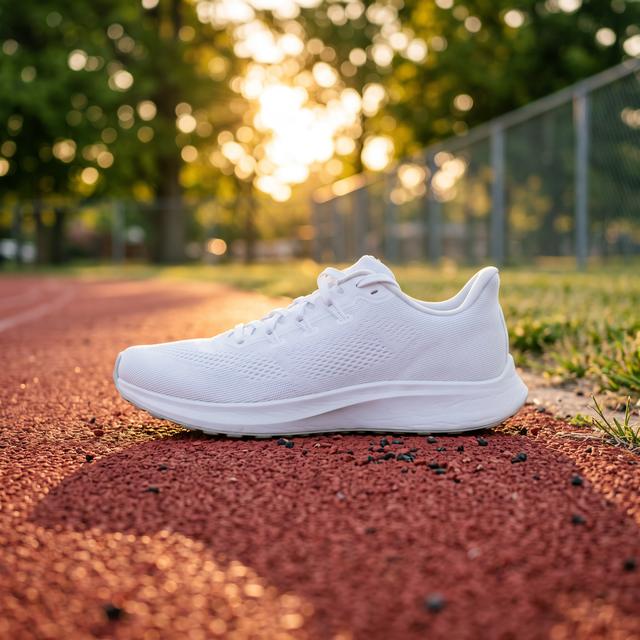
Keep several brands in separate workspaces. See what each plan includes.
See plans →Plykit runs video models such as Kling, Seedance and Hailuo and image models such as Nano Banana, GPT Image and Seedream side by side. Pick one in the generator above or open its page to see what it does; credits depend on the model and settings.
 Video
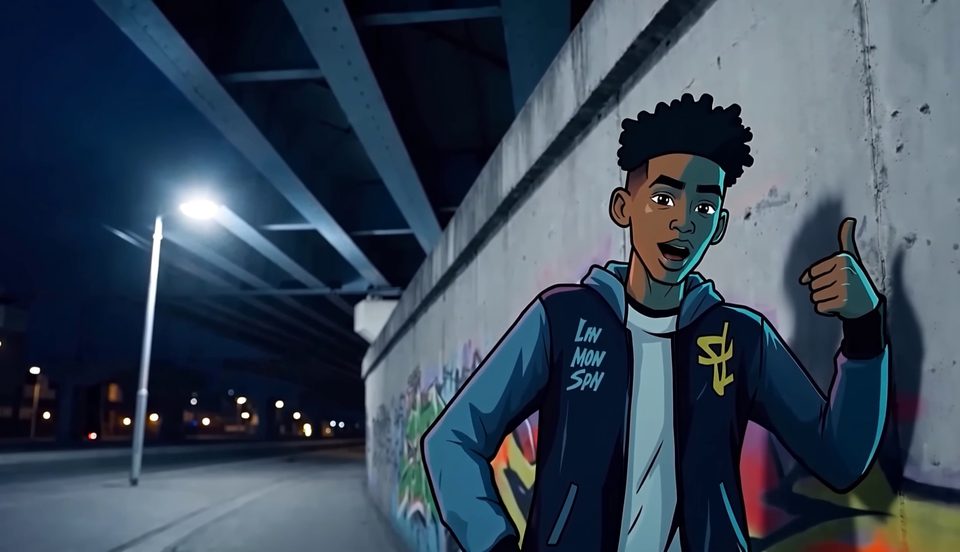
VideoText or image to video, 5 or 10 s; sound on 3.0 Pro and 2.6 Pro.
23–130 credits
 Video
VideoText or image to video, 3–15 s at 720p or 1080p, with sound always on.
40–360 credits
 Video
VideoText or image to video, 4–15 s, with optional sound.
10–750 credits
 Video
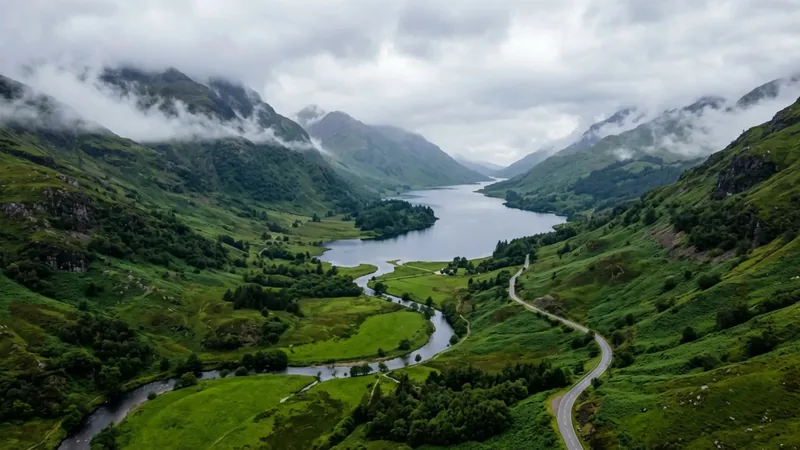
VideoText to video, 6 s at 768p.
19 credits
 Image
ImageText to image and edits with up to 14 references.
3 credits at 1K
 Image
ImageText to image and edits from a reference photo.
3–55 credits
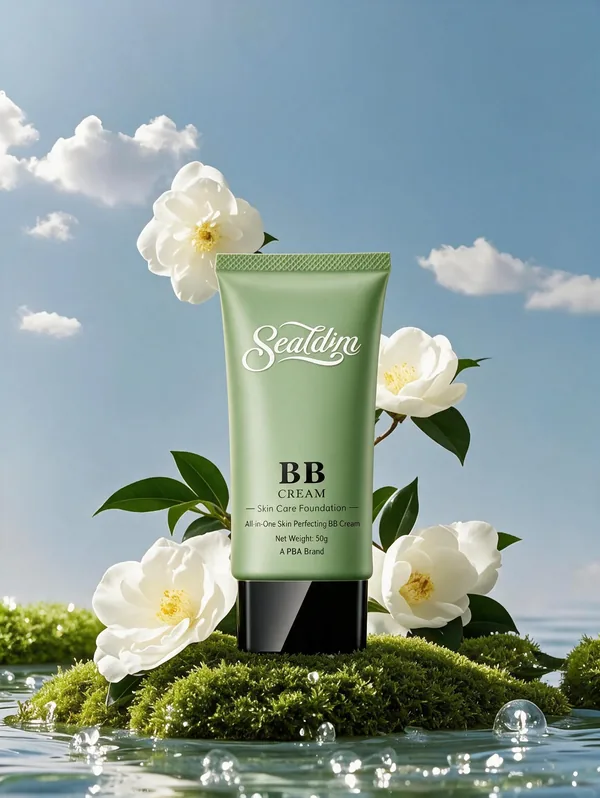 Image
ImageText to image and edits with up to 3 references.
4 credits
VideoImage to video at 480p, 5 s.
14 credits
Model card images are example outputs from each maker, fal.ai or a community post: Kling · fal.ai · Happy Horse · fal.ai · Seedance · fal.ai · Hailuo · fal.ai · Nano Banana · deepmind.google · GPT Image 2 · community.openai.com · Seedream · fal.ai
All models →AI video generatorsAI image generatorsNew models such as Kling 4.0 have info pages only and can't be used on Plykit yet.
Ready-made looks and prompts you can adapt to your own product photo.
 Slow push-inA calm close-up for cups, bottles and jars
 Bathroom shelfClean, fresh light for skincareCitrus splashBright color for skincare and drinks
Each card shows the exact prompt. Copy one, paste it into the generator, and add your own product photo as the reference.
Clips and images from model makers, fal.ai example pages and community creators. Each one links to its source, with the prompt as published there.
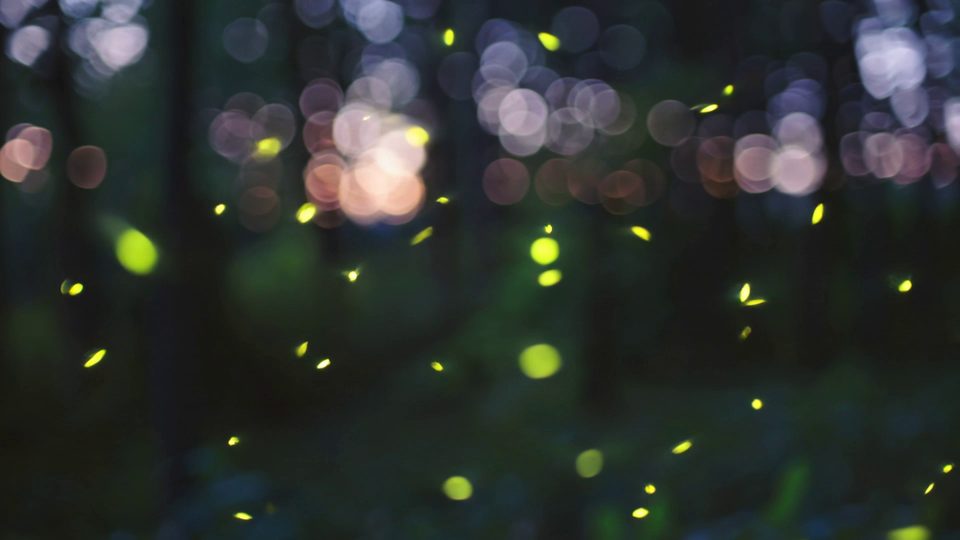
Close-up of glowing fireflies dancing in a dark forest at twilight. Soft bioluminescent particles float through the air. Shallow depth of field, bokeh lights in background. Magical atmosphere, gentle movement.
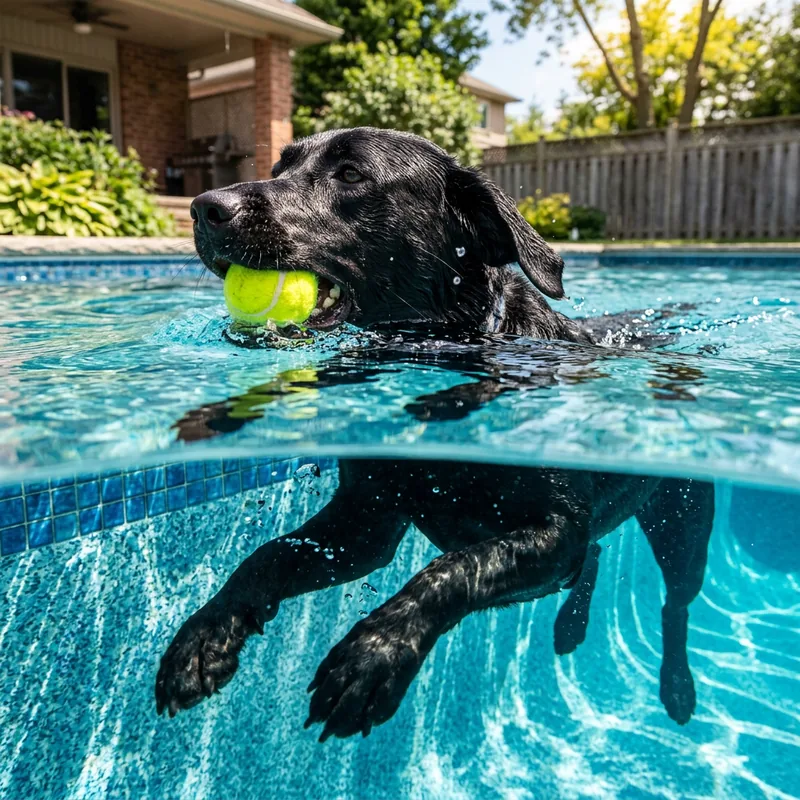
An action shot of a black lab swimming in an inground suburban swimming pool. The camera is placed meticulously on the water line, dividing the image in half, revealing both the dogs head above water holding a tennis ball in it's mouth, and it's paws paddling underwater.
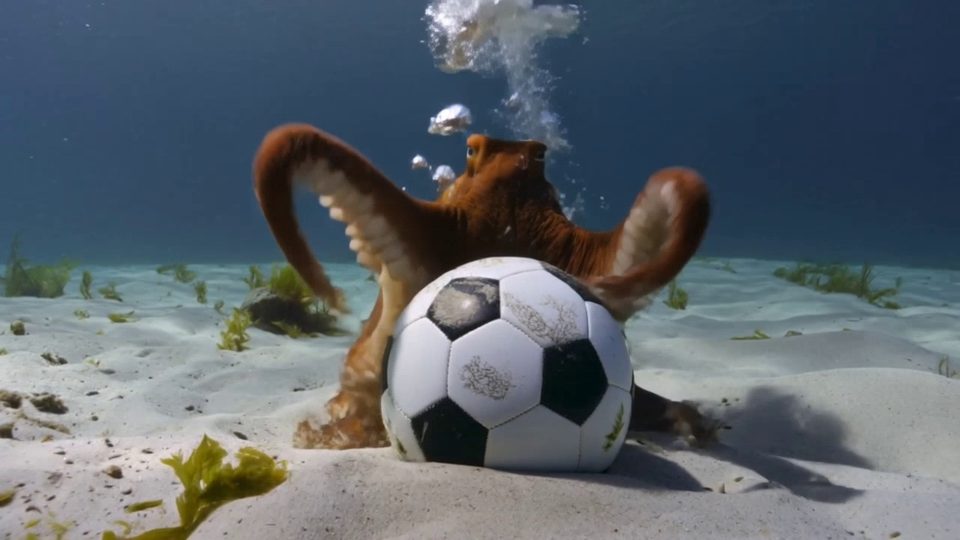
An octopus finds a football in the ocean and excitedly calls its octopus friends to come and play. Cut scene to an octopus football game under the sea.

Place realistic flames emerging from the top of the coffee cup, dancing above the rim
The video shows items of the alphabet. An unusual item starting with each letter is shown sitting on a table (like a Capybara for C, disco globe for D and Lava Lamp for L). All 26 letters must be represented by 26 items with matching lower thirds displaying the letter. Only one item and lower third at a time. Each lower third must look like a black marker written on a slip of paper in the bottom left. Rapid fire, roughly 9 frames per item at 24FPS. Last frame is a slip of paper "THE END". The whole video is accompanied by calm smooth music.
Replace the product in Figure 1 with that in Figure 2. Seamlessly render the logo in Figure 3 into the product design, in a frosted glass texture.
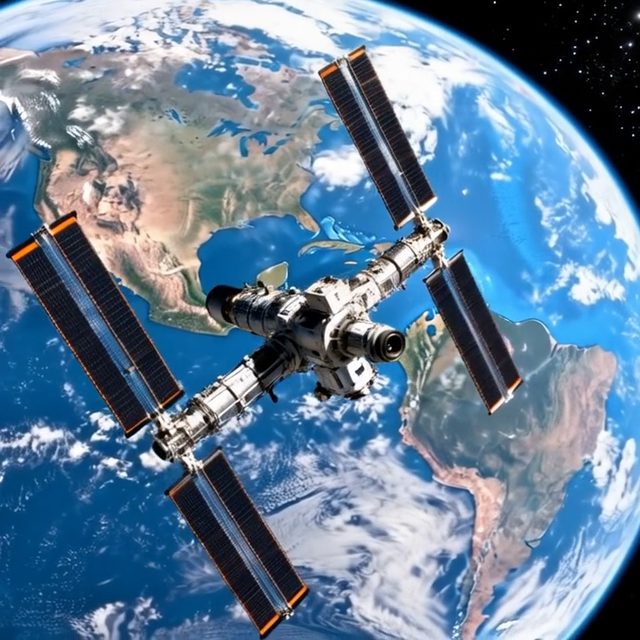
The space station slowly rotates in orbit, its solar panels tracking the sun. Earth rotates majestically in the background with weather patterns and landmasses drifting by. The station's communication arrays adjust position. A small spacecraft approaches one of the docking ports. The scene captures the silent majesty of space and human engineering.
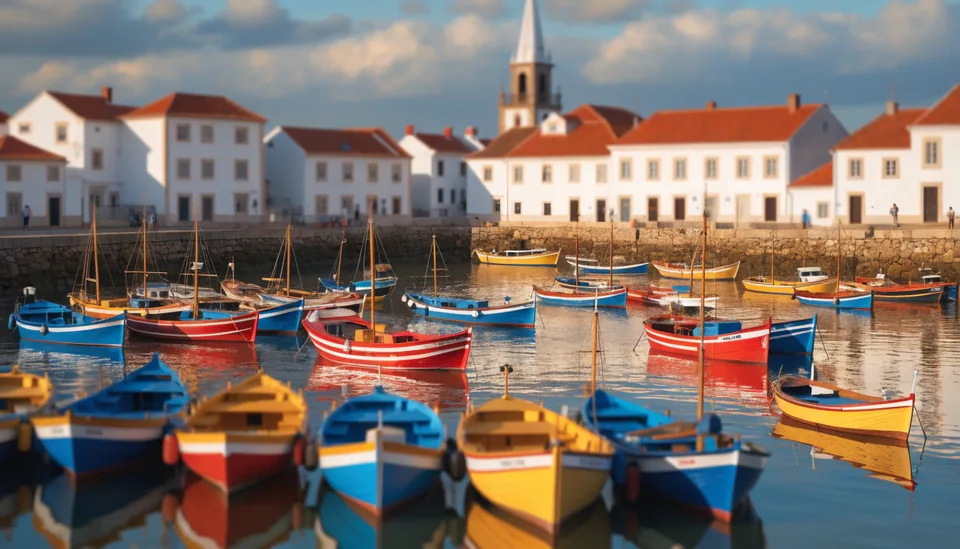
Tilt-shift miniature effect on a real Portuguese fishing village at golden hour, colorful boats in the harbor appearing toy-like, selective focus band across the middle, saturated primary colors of blue red and yellow boats against white buildings, 90mm tilt-shift lens, the familiar made fantastical, Wes Anderson color sensibility
Plykit is an AI image and video generation platform. On plykit.ai, video models such as Kling and Seedance and image models such as Nano Banana, GPT Image and Seedream sit in one workspace, with one-step tools like background removal.
Images and short videos from a prompt or a photo: product ads, social posts, product photos, short clips and illustrations. One-step tools handle white backgrounds, cut-outs and upscaling.
Video: Kling, Seedance, Hailuo 2.3, Happy Horse 1.0, Wan 2.1, Vidu Q1, LTX 2.5 Fast, Grok Imagine Video 1.5, and Gemini Omni 1.1 Flash. Images: Nano Banana 2.1 and Pro, GPT Image 2, GPT Image 2.5, Seedream 5 Flash, FLUX 3, Qwen Image 3, Ideogram 4.5, Muse Image, and Recraft V4.1 Flash. Some new models, such as Kling 4.0, have info pages but can't be used on Plykit yet.
You can look around, write a prompt, pick a model and see the credit cost without an account. You sign in when you press Create, and your draft is kept. Eligible new accounts receive a one-time free credit grant at signup; after that, generations use credits.
Plykit runs on credits. The credit cost of a generation depends on the model and settings and is shown before you press Create. Plans and credit packs are listed on the pricing page; once you sign in, your balance and recent transactions are on your credits page.
Paid plans include commercial use of the content you generate. The Free plan is for personal use only. You own the content you generate, and the selected model provider’s terms may impose additional restrictions. See our Terms of Service.
A paid plan means a paid subscription. Buying credit packs alone does not count as a paid plan; if you only buy credit packs, the Free plan rules apply.
These rules apply only to content generated on or after the effective date of the updated Terms of Service. Content generated before that date is not affected.
The plan you have when you submit a generation request decides which rules apply to it. Content generated while you had a paid plan can still be used commercially after your subscription ends, and so can content generated with credit packs bought before the effective date.
When you create from the home page, Workspace opens with your task running. Results are saved in your Workspace, so you can leave while a video runs and come back to it.
Some video models add a visible watermark until your account has bought credits. Check the selected model's output conditions.
Selling a product? Explore AI product photography →