AI Product Photography Generator
Upload your product, describe the background, then check the output. AI may alter labels, text or shape; approve the details before publishing. This guide covers everything you need to know about AI product photography: how it works, the best tools, trending styles, and step-by-step instructions to create professional product images for your e-commerce store.
참조 이미지 0/14
이미지 추가
최대 50MB
생성 준비 완료
레퍼런스를 업로드하고, 편집 내용을 설명하고, Nano Banana가 이미지를 변환하게 하세요.
Plykit generates product-image variations from a reference and a prompt. Sign in, review the credit cost and check every label, edge and product feature; the output is a candidate, not a guaranteed faithful product photograph.
In This Guide
1. What is AI Product Photography?
AI product photography uses artificial intelligence to generate professional product images. Instead of hiring photographers, renting studios, and buying props, you simply upload a product photo and let AI create styled lifestyle shots, scene compositions, and trending visual treatments.
The latest generation of AI image models — like Google's Gemini 3.1 Flash (which powers Nano Banana 2's Product Studio) — can understand real-world brands, current trends, and seasonal aesthetics through web search integration. This means the AI doesn't just place your product on a generic background — it knows what visual styles are trending right now.
2. AI vs Traditional Photography: Cost Comparison
| Factor | Traditional Photography | AI Product Photography |
|---|---|---|
| Cost per image | $50 – $500+ | Standard 1K: 3 credits; 2K: 4; 4K: 6 |
| Turnaround | 2–5 business days | Varies with model, queue and output settings |
| Seasonal reshoots | $300–2,000 each time | Click a seasonal style |
| Brand style matching | Requires mood boards + direction | Type the brand name |
| Trending aesthetics | Research + manual styling | AI searches current trends |
| Scaling (50 SKUs) | $2,500 – $25,000 | ~$15 |
| Quality | Excellent (depends on photographer) | Very good (up to 4K) |
Test one product before scaling a catalog. The amount of retouching and usable outputs determines whether this workflow saves time or cost for your task.
3. How AI Product Photography Works
Upload Your Product Image
Start with any product photo — white background, lifestyle shot, or even a phone snap. The AI uses your image as a reference for the product's shape, color, and texture.
Choose Your Style
Select a trending aesthetic (like Dopamine Decor or Quiet Luxury), match a brand's visual identity (like Glossier or Apple), or describe a custom scene. Describe the visual treatment explicitly; check the selected model controls.
AI Generates the Scene
The AI combines your product with the selected style, generating a professional lifestyle shot with appropriate lighting, props, and composition. Generation time varies; inspect the result before use.
Download in Up to 4K
Download the completed image at the selected output size. Check visible marks, label text, shape and platform requirements before publication.
4. 2026 Trending Styles for Product Photos
Visual trends shift constantly. Here are the top product photography aesthetics trending in 2026, all available in Nano Banana 2 Product Studio:
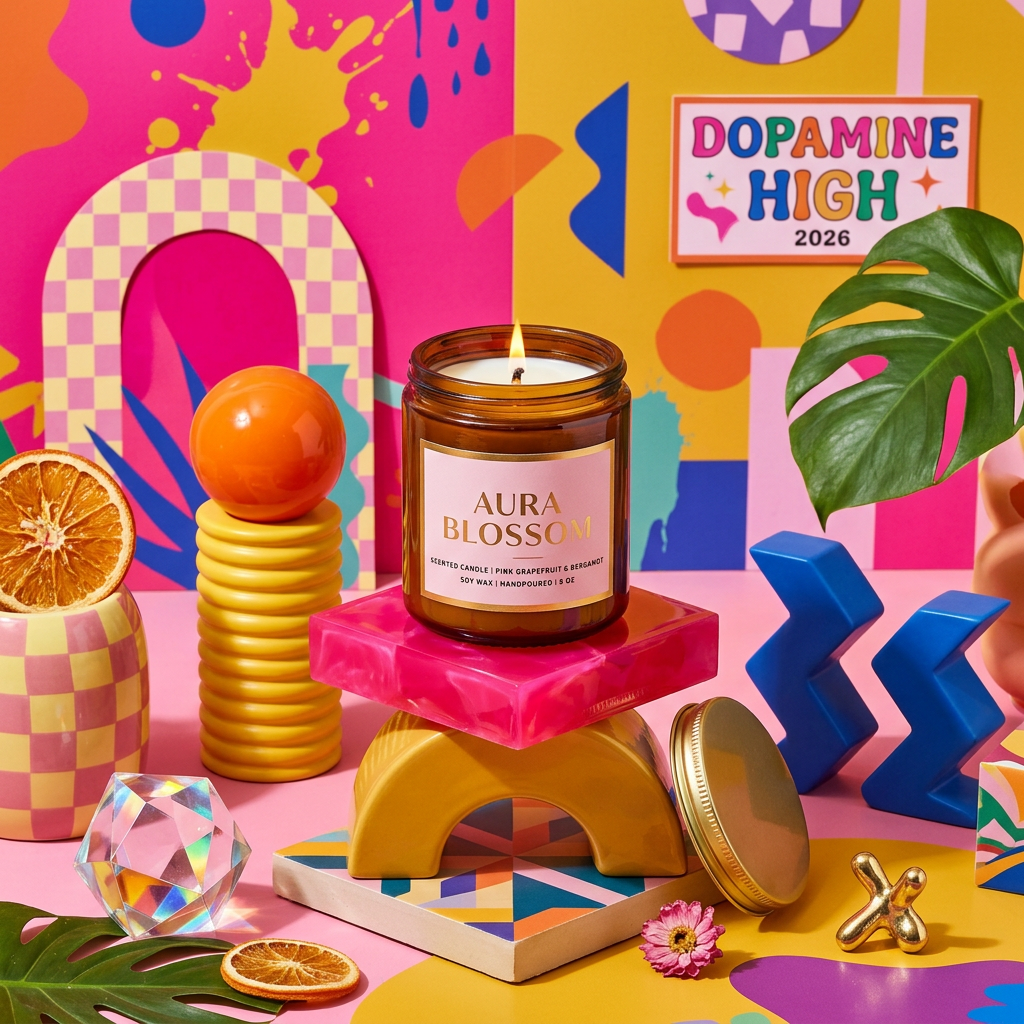
🎨 Dopamine Decor
Bold, vibrant colors and maximalist compositions that trigger joy. Think hot pink + electric yellow + playful geometric shapes. Perfect for lifestyle brands, beauty products, and anything targeting Gen Z.
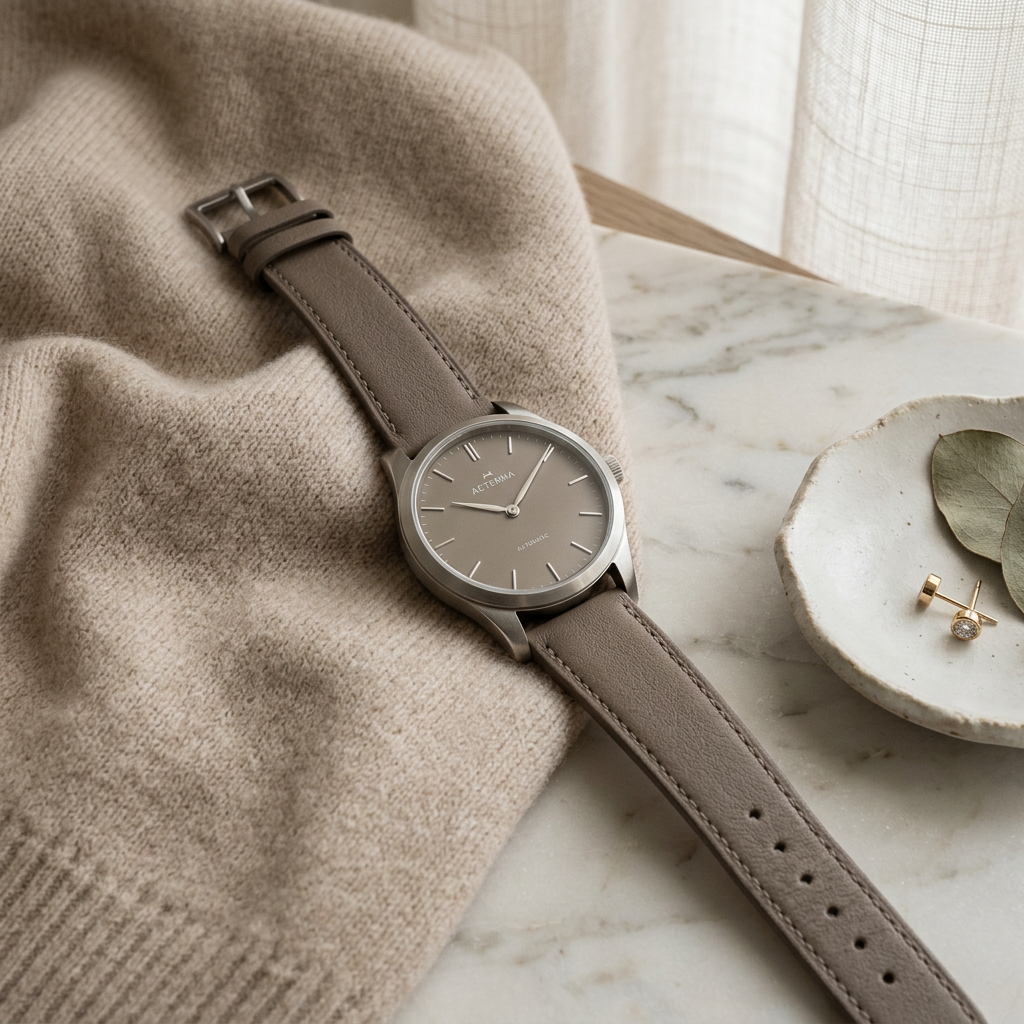
✨ Quiet Luxury
Muted neutral tones, premium materials (marble, cashmere, linen), soft diffused lighting. The "old money" aesthetic. Ideal for premium products, jewelry, watches, and luxury goods.
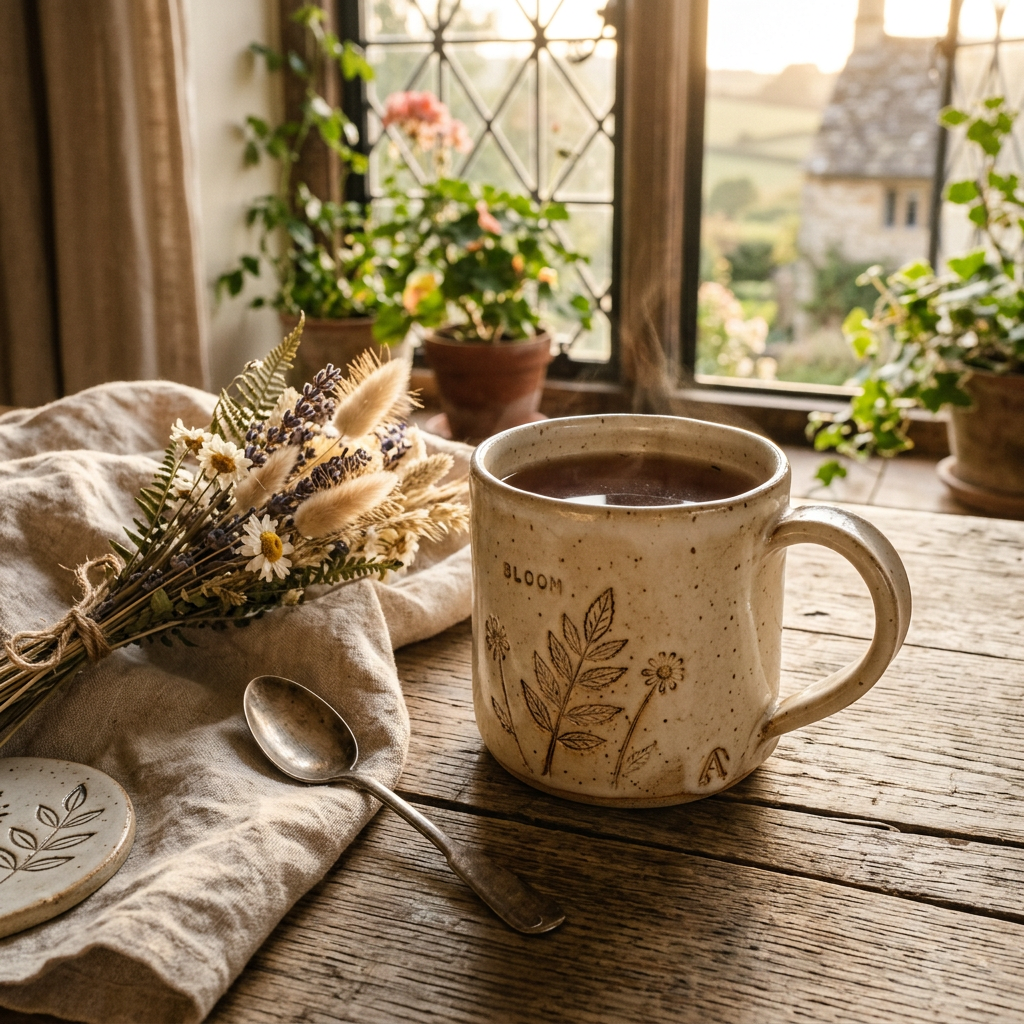
🌿 Cottagecore Revival
Rustic wood, dried flowers, linen textures, warm golden light. Artisanal and handmade feel. Perfect for candles, ceramics, food products, and natural/organic brands.
🔮 AI-Core Aesthetic
Holographic reflections, iridescent gradients, chrome surfaces. Futuristic minimalism with neon accents. Great for tech products, gadgets, and forward-thinking brands.
🍂 Wabi-Sabi
Imperfect beauty, organic textures, natural patina. Japanese-inspired aesthetic of finding beauty in imperfection. Ideal for handcraft, wellness, and mindful lifestyle brands.
🏪 Brand Style Matching
Describe colors, materials, props and lighting in your own words. Check the result rather than assuming automatic brand research or an exact match.
5. Try It Now — Create Your First AI Product Photo
Ready to try? Use the generator below. Switch to Edit mode, upload your product image, describe the style you want (or use one from section 4), and hit Generate. Sign in first. Eligible new accounts receive 12 signup credits; check your balance and the displayed cost.
참조 이미지 0/14
이미지 추가
최대 50MB
생성 준비 완료
레퍼런스를 업로드하고, 편집 내용을 설명하고, Nano Banana가 이미지를 변환하게 하세요.
6. Best Practices for E-commerce Platforms
Amazon
- Main image must be white background (use AI for lifestyle/secondary images)
- Images should be at least 1000px on the longest side (use 2K or 4K)
- A+ Content allows lifestyle imagery — perfect for AI-generated scenes
- Use 1:1 aspect ratio for best display in search results
Shopify
- Test lifestyle images against your own listing conversion baseline
- Use consistent styling across all products for brand cohesion (try "Style Like" feature)
- Square (1:1) for product grids, 16:9 for hero banners
- Seasonal product images for holiday promotions are easy with AI
Etsy
- Lifestyle shots significantly outperform white-background images on Etsy
- Cottagecore and artisanal styles resonate strongly with Etsy buyers
- Use 4:3 ratio for optimal Etsy listing display
- Seasonal images for holidays can boost visibility in seasonal search
Related E-commerce Solutions
7. Frequently Asked Questions
What is AI product photography?
AI product photography uses a reference image and a prompt to make product-scene candidates. Generation can alter labels, geometry or texture; inspect and correct the output before use.
How much does AI product photography cost?
Nano Banana 2.1 costs 3 credits at 1K, 5 at 2K and 9 at 4K (3+ reference images or web search add 1–3). Pro and other models have separate quotes. Eligible new accounts receive 12 signup credits after registration. Check the current pricing page for paid plans; no fixed dollar price per image is promised.
Can AI product photos be used on Amazon and Shopify?
A generated image is only a candidate. Confirm accurate product representation, image specifications and the current platform policy before publishing; approval is not guaranteed.
What makes Nano Banana 2 different from other product photo tools?
You can describe a background or lighting change and provide a product reference. Available controls depend on the selected model. This page does not promise automatic trend research or exact brand matching.
Do I need design skills to use AI product photography?
You can begin with a reference and a text prompt. Product review and possible retouching are still needed; an automated output does not replace approval.
Is the quality good enough for professional use?
Quality depends on the product and requested change. Check the label letter by letter, compare edges and geometry with the original, and test at the intended display or print size. Resolution alone does not prove suitability.
Related AI Tools
Ready to Try AI Product Photography?
Upload your product, choose a background and review the generated details. Sign in and check your available credits before submitting.