
AI Coloring Book Maker for KDP
Lock one character, generate dozens of consistent pages, design the wrap-around cover, and download print-ready PDFs — the whole book, without hiring an illustrator or opening Photoshop.
1. Design your character
Describe your main character, then pick the look you like best from a few options. That one stays consistent on every page.
2. Add your pages
List the scenes for your book — one per page. Your locked character appears in every one.
ColoringBookBuilder.steps.generate_title
ColoringBookBuilder.steps.generate_desc
Design your cover
A print-ready wrap-around cover with the same character — spine width is calculated for you. No separate page, no Photoshop.
Book setup
We use these to calculate your spine width and full cover size automatically.
Title & text
Your title is laid over the art as crisp, sharp type — not baked into the image.
Advanced text (optional)›
Front cover art
Generate the front illustration in 4K so it prints sharp at full size.
4K, text-free — your title is added on top automatically. ~30–60s.
Live preview
Live layout preview — generate art to fill the front cover.
Layout shows back · spine · front with full bleed. The exported PDF has no guide lines.
Pages you can make
Clean black-and-white line art, ready to color and print. Lock any character and keep it consistent across your whole book.
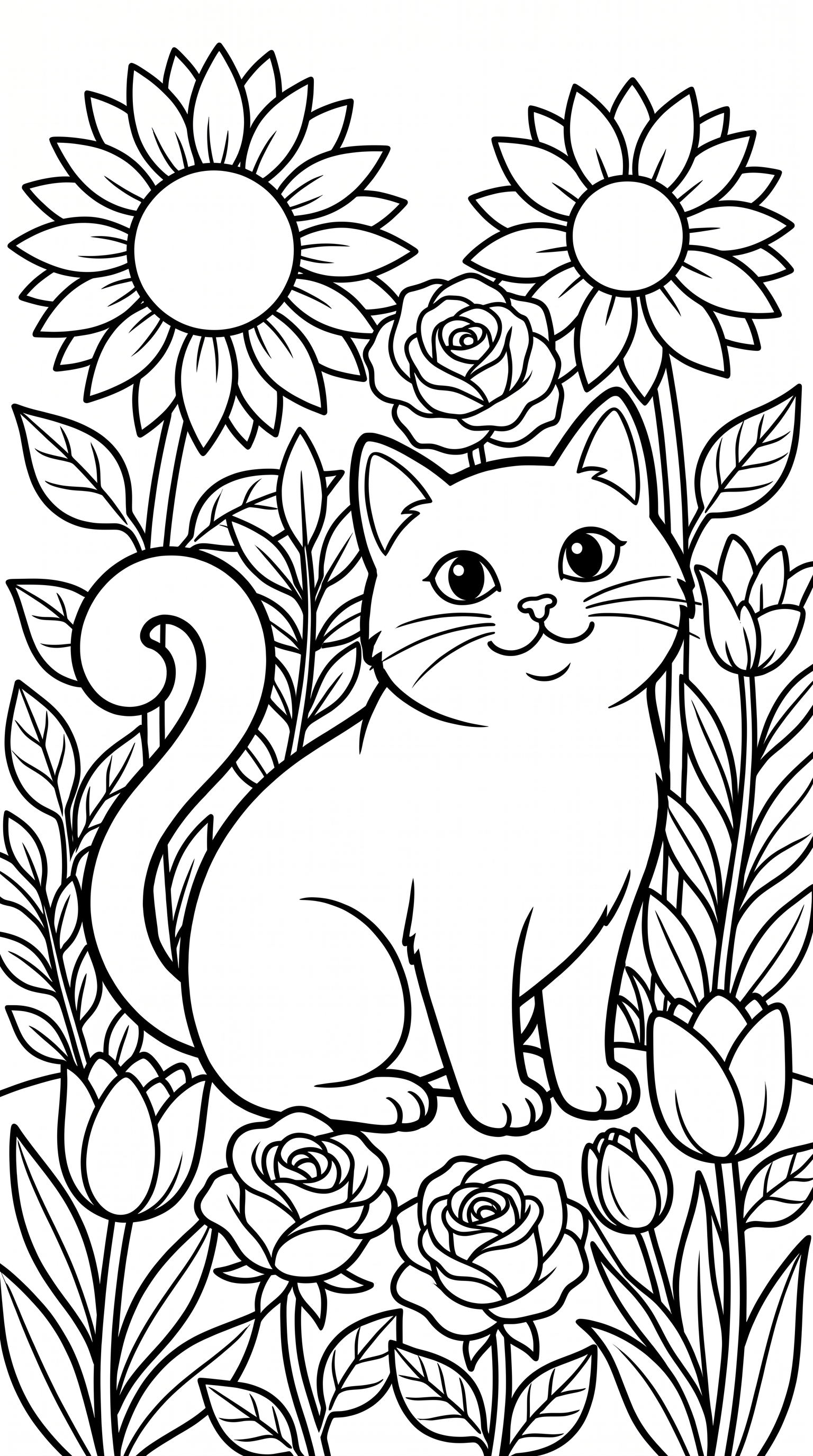
Cat in a flower garden
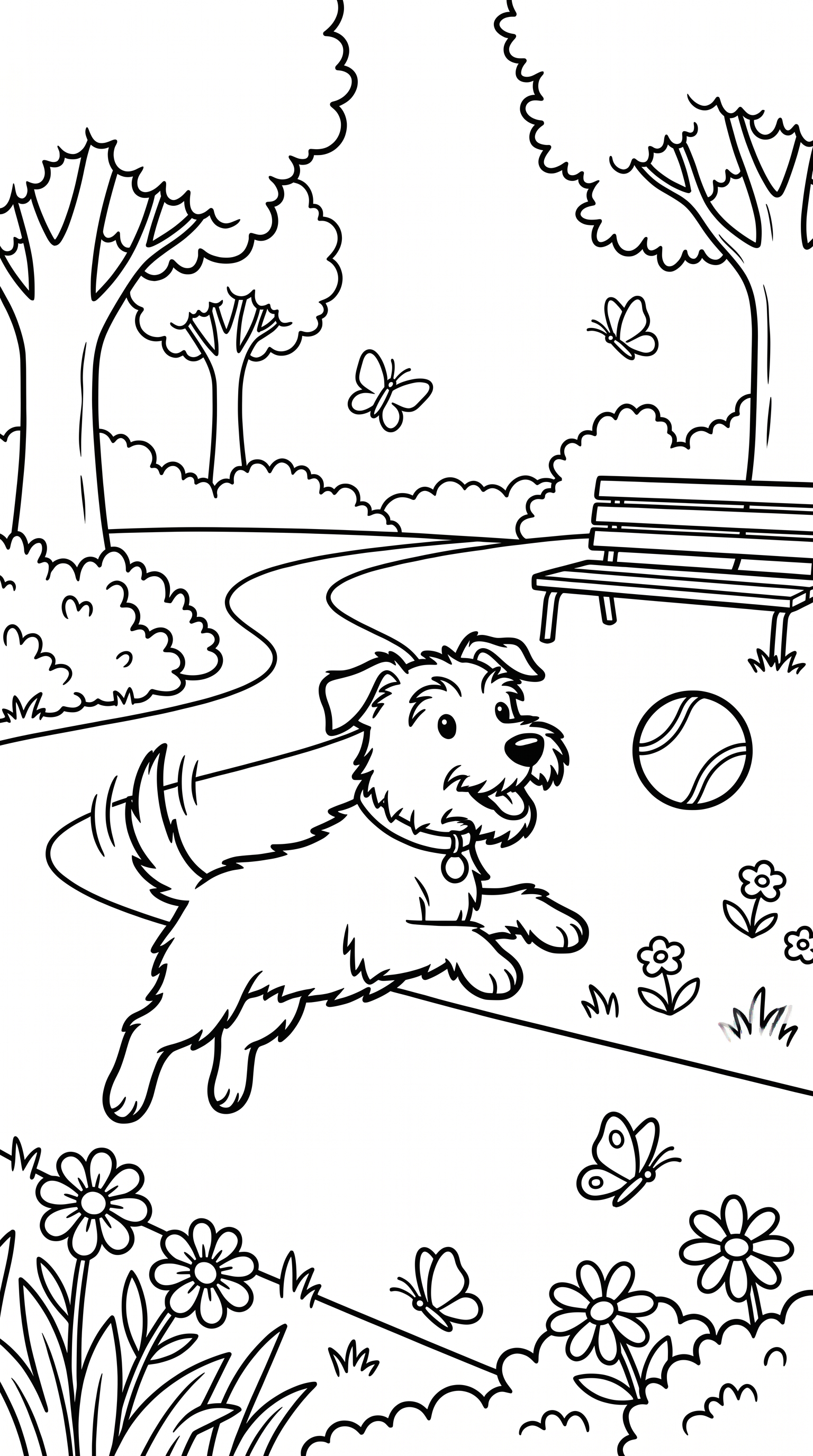
Dog playing in the park
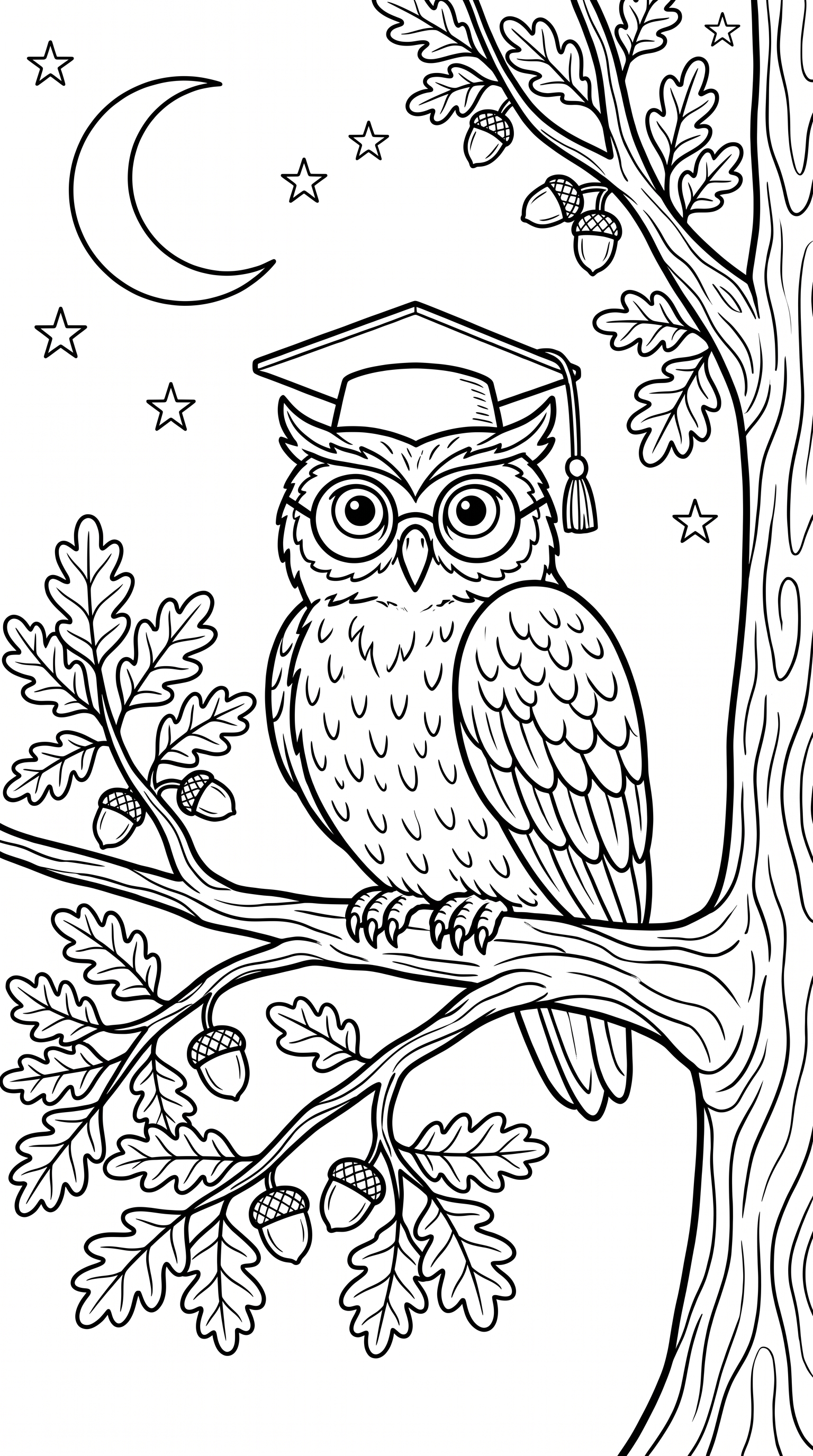
Owl perched on a branch
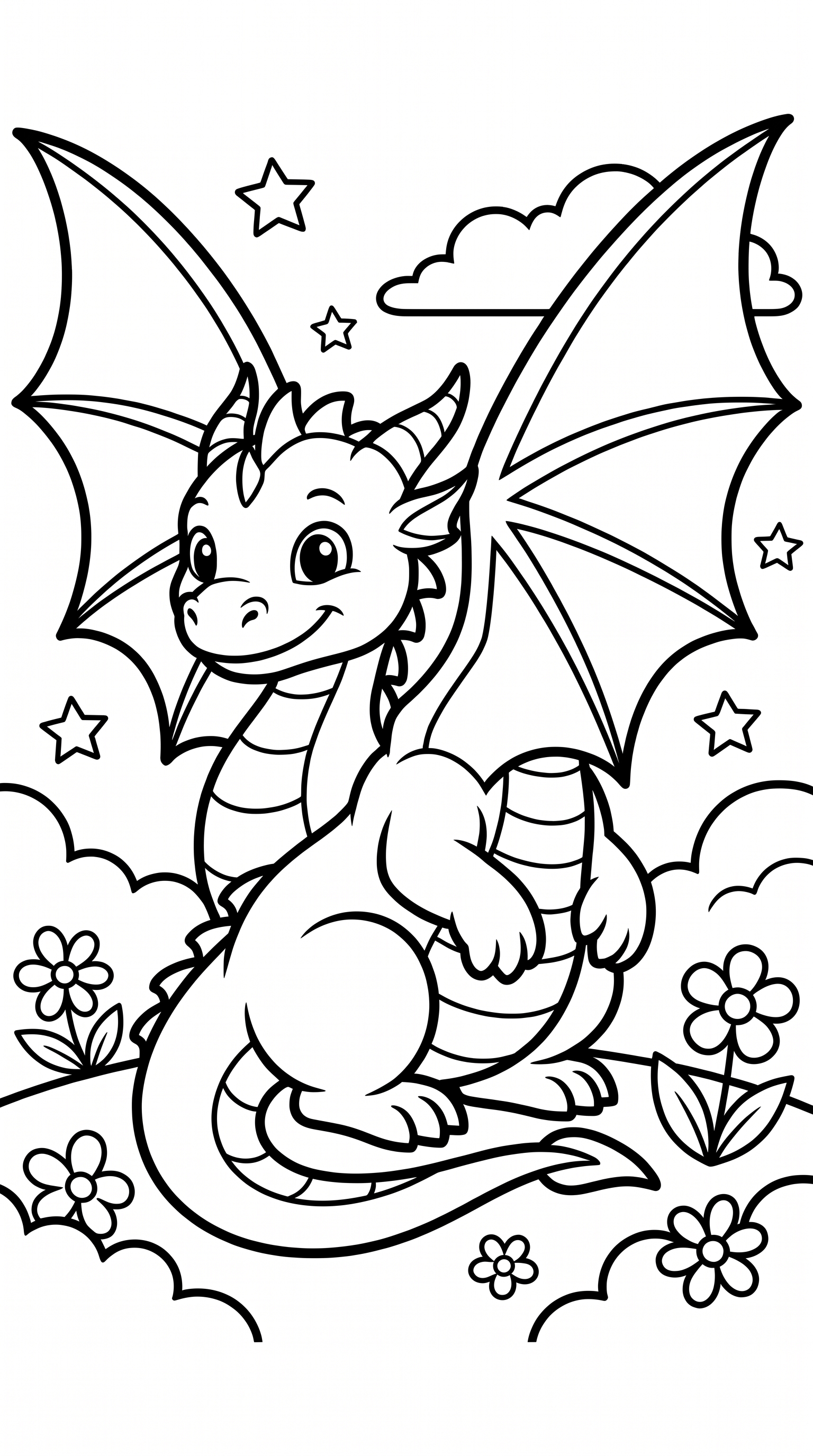
Friendly cartoon dragon
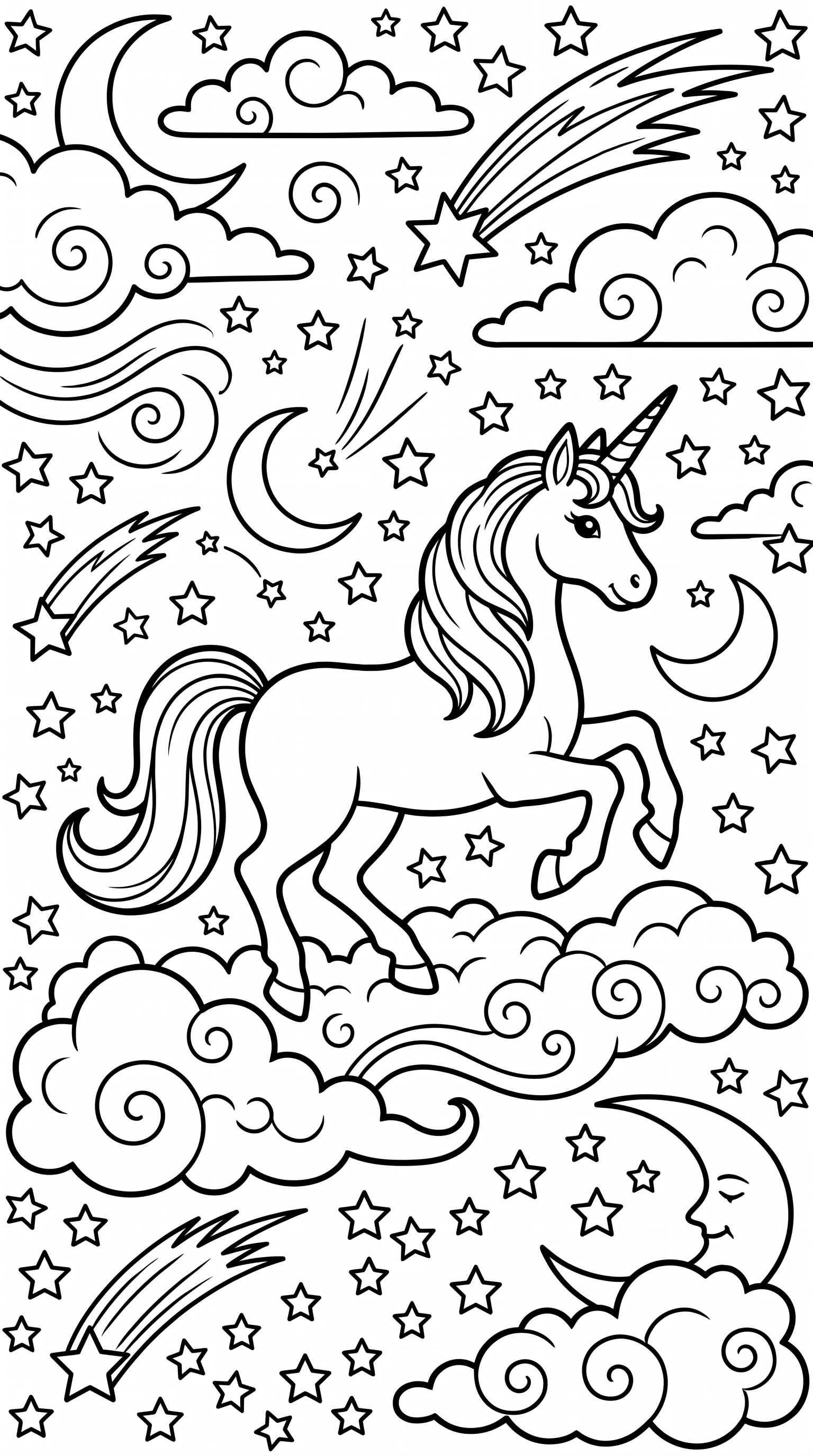
Magical unicorn
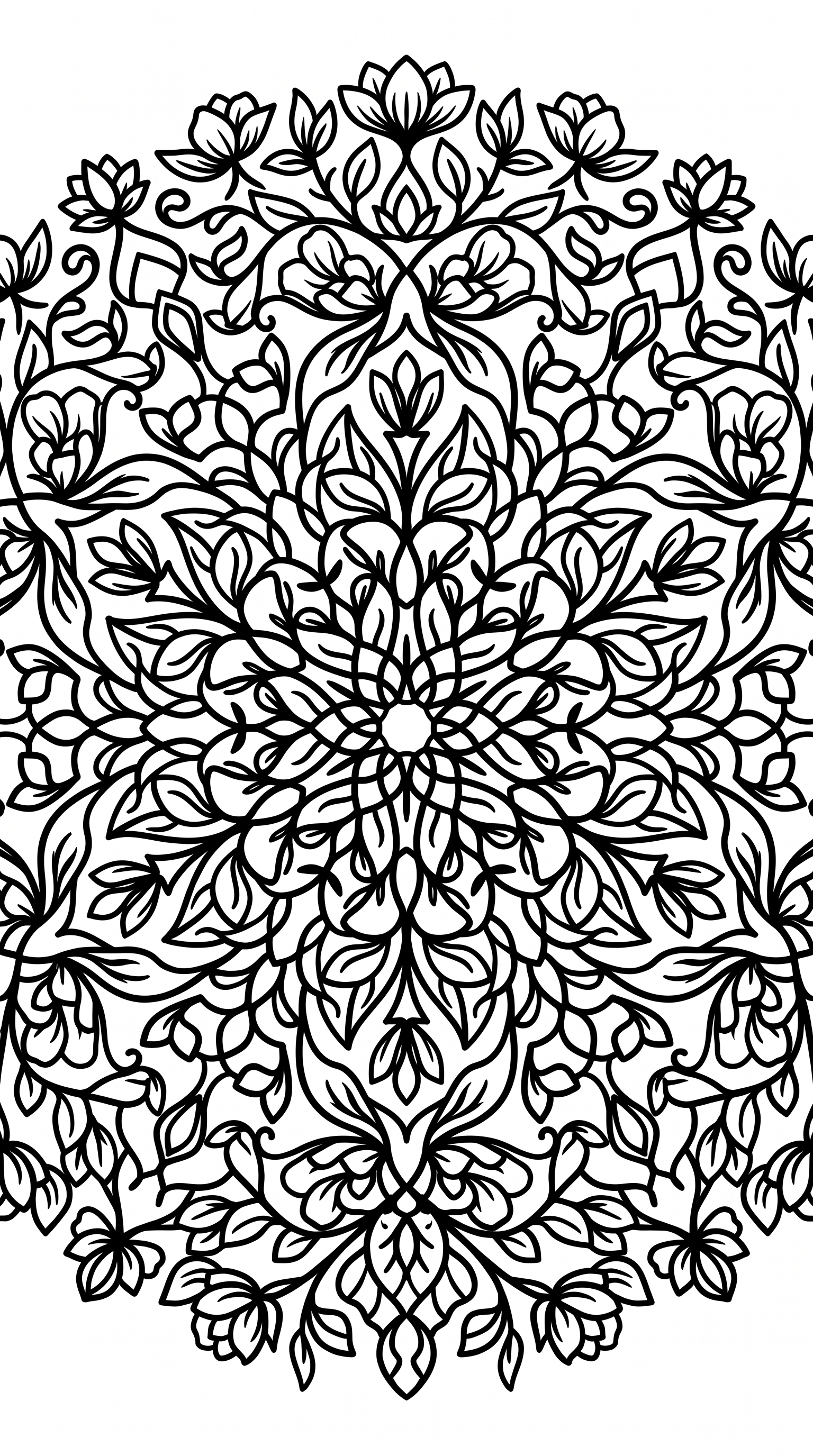
Floral mandala pattern
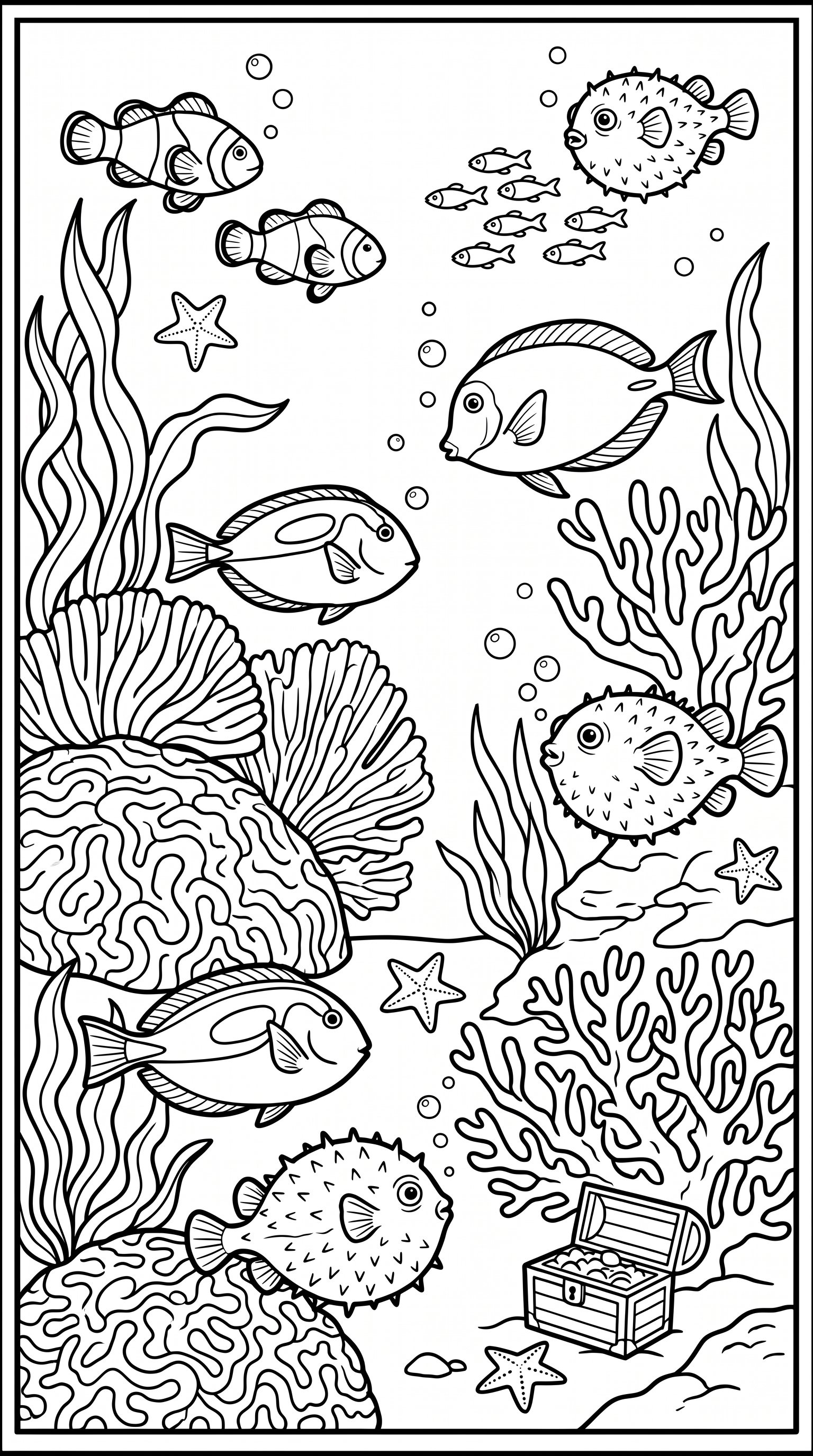
Under the sea scene
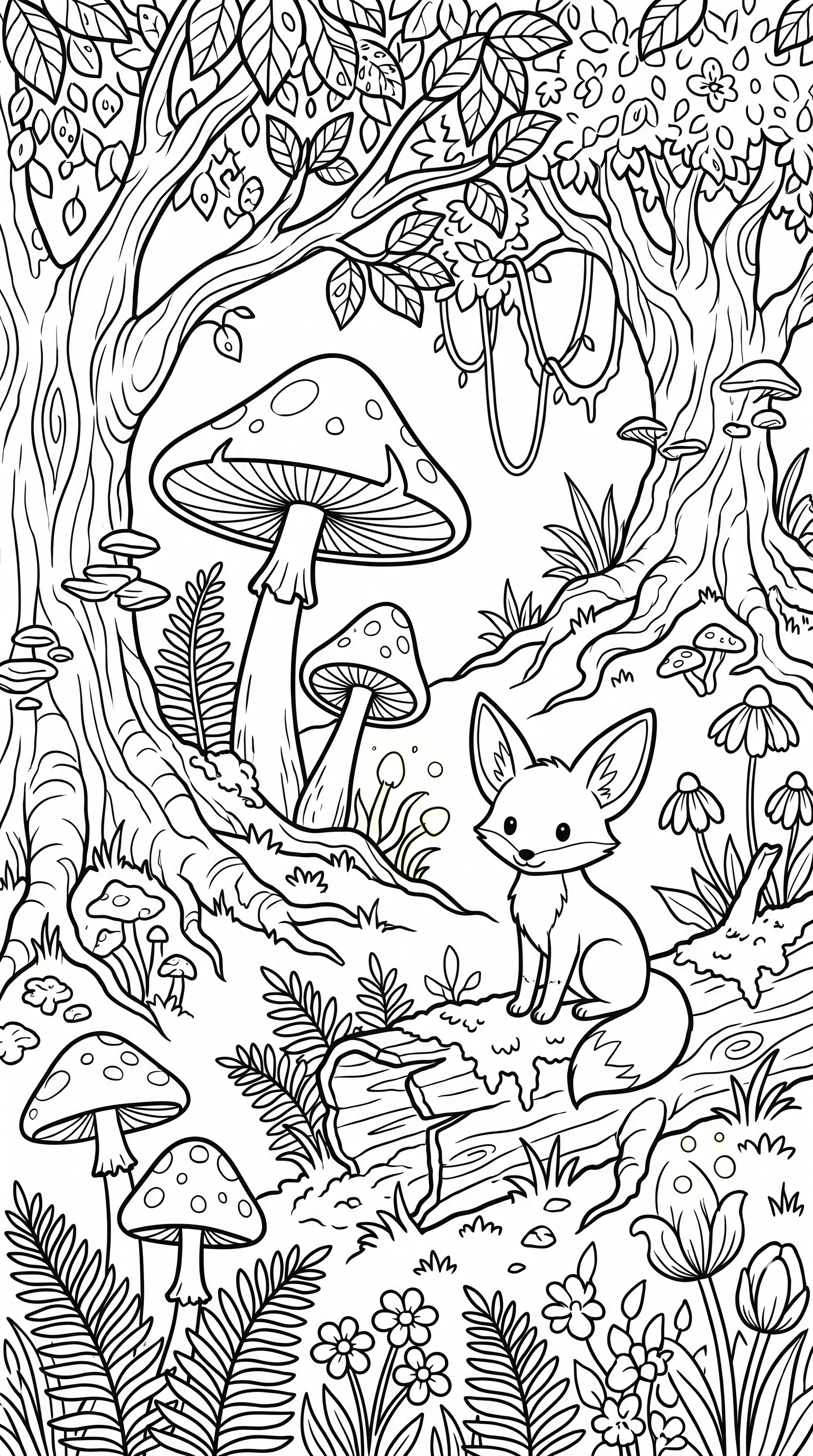
Mushrooms in the forest
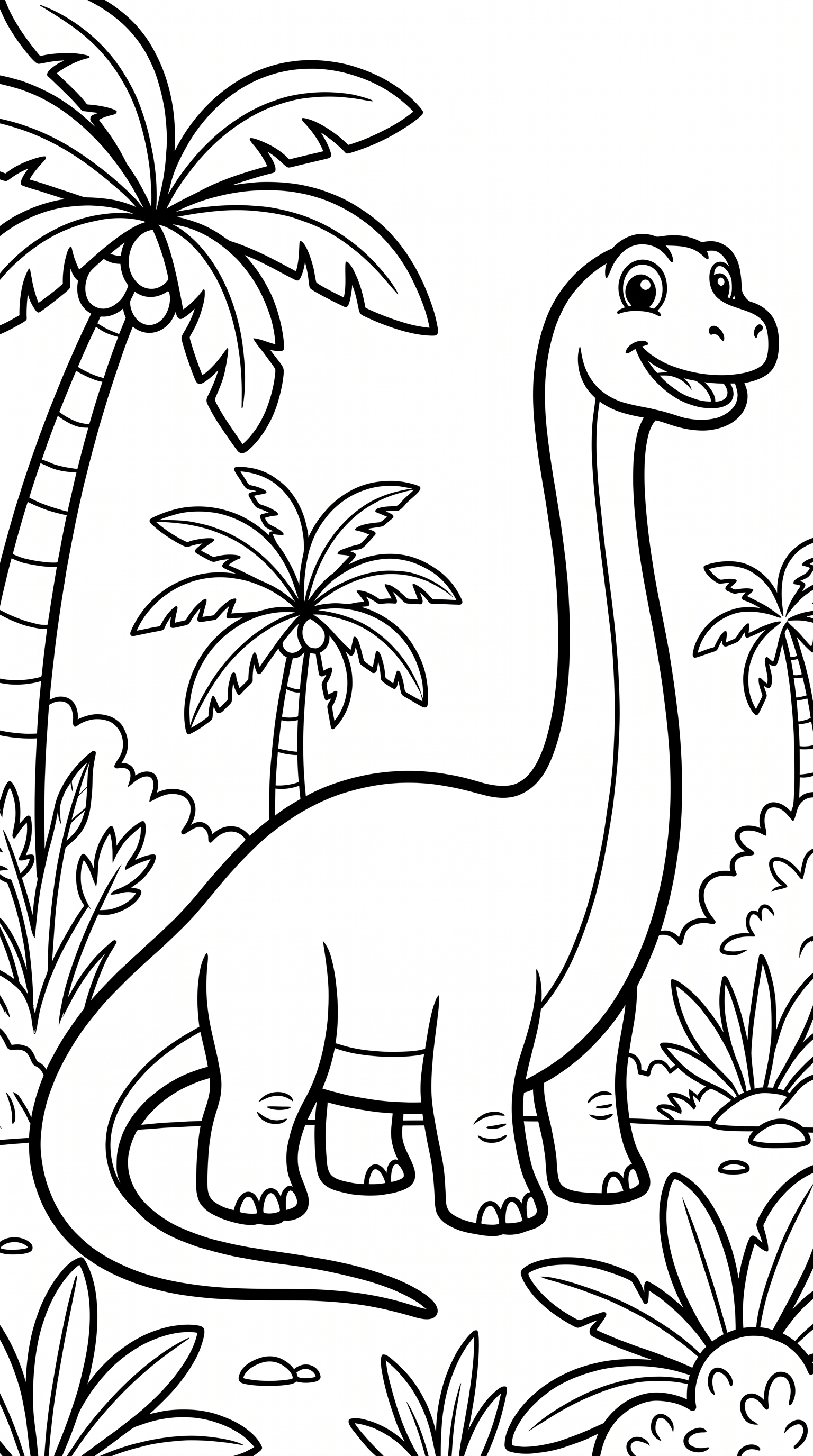
Dinosaurs for kids
Samples generated with the Nano Banana Pro model at 4K resolution in portrait (3:4) orientation. Your results will vary by prompt.
From idea to a sellable book in 4 steps
No illustrator. No Photoshop. No outsourcing.
1. Lock your character
Describe your main character and pick the look you like. That exact character is locked for the whole book — not just a style.
2. Generate consistent pages
Add your scenes and batch-generate your interior pages. The same character shows up on every single one.
3. Design the cover
The cover wizard builds your full wrap-around — back, spine, and front — and calculates the spine width for your page count and paper automatically.
4. Download print-ready
One click gives you the interior PDF and the cover PDF — the two files KDP asks for. Upload and publish.
Why KDP sellers choose Plykit
Free generators give you one low-res page. Plykit makes the whole book — interior and cover — ready to publish.
Same character on every page
Lock one character and it stays consistent across every page. Other tools only match an art style — we keep the actual character. This is the part you used to hire an illustrator to trace.
Cover wizard, no Photoshop
Full wrap-around cover with automatic spine-width math for your trim size and page count. Export a print-ready cover PDF in a click.
300 DPI, print-ready
Interior pages export at 300 DPI on 8.5×11 — sharp enough to print, no blurry upscales.
KDP-ready sizes
Standard 8.5×11 letter interior with the margins KDP expects, so your files pass review.
Full commercial license
Everything you make is yours to sell on Amazon KDP, Etsy, or anywhere else.
No watermark, ever
Clean line art — no logos, no signatures, no 'made with' stamp baked into your pages.
Real books made with this tool
Each one took an afternoon — see every page and how it was made.


Read the full guide: How to make a coloring book for Amazon KDP →
Frequently asked questions
Everything sellers ask before publishing.
Make your first coloring book this week
Lock a character, generate your pages, design the cover, and download print-ready files for Amazon KDP.
Free to try — start your first coloring book in minutes.